
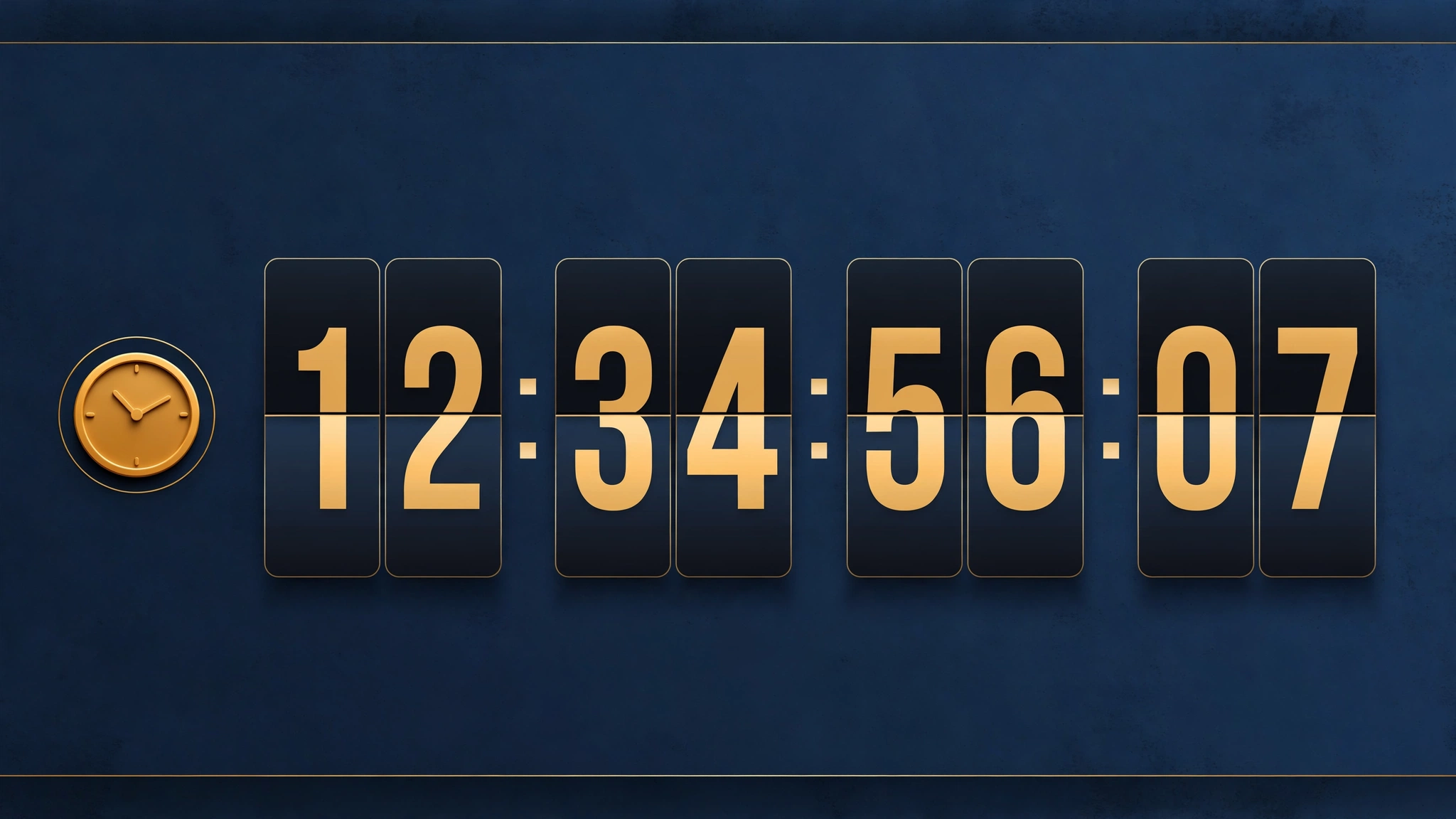
Nothing converts like a deadline. A countdown timer in your announcement bar turns a vague ‘sale ends soon’ into a ticking clock shoppers can feel — and urgency is one of the most proven conversion triggers in ecommerce. This snippet runs a live days:hours:minutes:seconds countdown with lightweight vanilla JavaScript (no libraries, no app fees). Drop it into a Custom Liquid section and it starts counting immediately. Five styled variations below with live previews and exact code.
1. Electronics Store – Digital Countdown Bar
Tech buyers trust digits. Flip-clock style numbers in neon on navy look like mission control — perfect for flash tech deals.
Preview
Sample text: Deal ends in
Liquid Code
{% comment %} LayoutKart snippet: shopify-countdown-announcement-bar v1 (Electronics Store) - paste into a Shopify Custom Liquid section {% endcomment %}
<style>
.a7v1bar{background:#071c33;padding:12px 12px;text-align:center;}
.a7v1bar p{color:#37e0ff;font-family:'Trebuchet MS', Verdana, sans-serif;font-size:15px;font-weight:700;margin:0;}
.a7v1t{display:inline-block;background:rgba(255,255,255,.14);border-radius:6px;padding:2px 8px;margin:0 2px;font-variant-numeric:tabular-nums;}
</style>
<div class="a7v1bar">
  <p><strong>Deal ends in</strong> <span class="a7v1t" id="a7v1d">00</span> : <span class="a7v1t" id="a7v1h">00</span> : <span class="a7v1t" id="a7v1m">00</span> : <span class="a7v1t" id="a7v1s">00</span></p>
</div>
<script>
(function(){var end=new Date();end.setDate(end.getDate()+2);function pad(n){return (n<10?'0':'')+n;}function tick(){var d=end-new Date();if(d<0)d=0;document.getElementById('a7v1d').textContent=pad(Math.floor(d/86400000));document.getElementById('a7v1h').textContent=pad(Math.floor(d/3600000)%24);document.getElementById('a7v1m').textContent=pad(Math.floor(d/60000)%60);document.getElementById('a7v1s').textContent=pad(Math.floor(d/1000)%60);}setInterval(tick,1000);tick();})();
</script>
2. Fashion Store – Drop Countdown Bar
Streetwear drops live and die by the clock. Bold white numerals on black build the same tension as a sneaker release countdown.
Preview
Sample text: Drop closes in
Liquid Code
{% comment %} LayoutKart snippet: shopify-countdown-announcement-bar v2 (Fashion Store) - paste into a Shopify Custom Liquid section {% endcomment %}
<style>
.a7v2bar{background:#101010;padding:12px 12px;text-align:center;}
.a7v2bar p{color:#ffffff;font-family:Arial, Helvetica, sans-serif;font-size:15px;font-weight:800;margin:0;}
.a7v2t{display:inline-block;background:rgba(255,255,255,.14);border-radius:6px;padding:2px 8px;margin:0 2px;font-variant-numeric:tabular-nums;}
</style>
<div class="a7v2bar">
  <p><strong>Drop closes in</strong> <span class="a7v2t" id="a7v2d">00</span> : <span class="a7v2t" id="a7v2h">00</span> : <span class="a7v2t" id="a7v2m">00</span> : <span class="a7v2t" id="a7v2s">00</span></p>
</div>
<script>
(function(){var end=new Date();end.setDate(end.getDate()+2);function pad(n){return (n<10?'0':'')+n;}function tick(){var d=end-new Date();if(d<0)d=0;document.getElementById('a7v2d').textContent=pad(Math.floor(d/86400000));document.getElementById('a7v2h').textContent=pad(Math.floor(d/3600000)%24);document.getElementById('a7v2m').textContent=pad(Math.floor(d/60000)%60);document.getElementById('a7v2s').textContent=pad(Math.floor(d/1000)%60);}setInterval(tick,1000);tick();})();
</script>
3. Beauty Store – Gentle Countdown Bar
Urgency doesn't have to shout. Soft serif numerals on blush create polite pressure that suits premium beauty brands.
Preview
Sample text: Sale ends in
Liquid Code
{% comment %} LayoutKart snippet: shopify-countdown-announcement-bar v3 (Beauty Store) - paste into a Shopify Custom Liquid section {% endcomment %}
<style>
.a7v3bar{background:#fbeef2;padding:12px 12px;text-align:center;}
.a7v3bar p{color:#a1234f;font-family:Georgia, 'Times New Roman', serif;font-size:15px;font-weight:600;margin:0;}
.a7v3t{display:inline-block;background:rgba(255,255,255,.14);border-radius:6px;padding:2px 8px;margin:0 2px;font-variant-numeric:tabular-nums;}
</style>
<div class="a7v3bar">
  <p><strong>Sale ends in</strong> <span class="a7v3t" id="a7v3d">00</span> : <span class="a7v3t" id="a7v3h">00</span> : <span class="a7v3t" id="a7v3m">00</span> : <span class="a7v3t" id="a7v3s">00</span></p>
</div>
<script>
(function(){var end=new Date();end.setDate(end.getDate()+2);function pad(n){return (n<10?'0':'')+n;}function tick(){var d=end-new Date();if(d<0)d=0;document.getElementById('a7v3d').textContent=pad(Math.floor(d/86400000));document.getElementById('a7v3h').textContent=pad(Math.floor(d/3600000)%24);document.getElementById('a7v3m').textContent=pad(Math.floor(d/60000)%60);document.getElementById('a7v3s').textContent=pad(Math.floor(d/1000)%60);}setInterval(tick,1000);tick();})();
</script>
4. Fitness Store – Beast Mode Countdown
Fitness marketing runs on intensity. Lime-on-black blocky numerals feel like a gym timer — impossible to ignore mid-workout-browse.
Preview
Sample text: OFFER EXPIRES IN
Liquid Code
{% comment %} LayoutKart snippet: shopify-countdown-announcement-bar v4 (Fitness Store) - paste into a Shopify Custom Liquid section {% endcomment %}
<style>
.a7v4bar{background:#0d0d0d;padding:12px 12px;text-align:center;}
.a7v4bar p{color:#d7ff3e;font-family:'Arial Black', Arial, sans-serif;font-size:15px;font-weight:800;margin:0;}
.a7v4t{display:inline-block;background:rgba(255,255,255,.14);border-radius:6px;padding:2px 8px;margin:0 2px;font-variant-numeric:tabular-nums;}
</style>
<div class="a7v4bar">
  <p><strong>OFFER EXPIRES IN</strong> <span class="a7v4t" id="a7v4d">00</span> : <span class="a7v4t" id="a7v4h">00</span> : <span class="a7v4t" id="a7v4m">00</span> : <span class="a7v4t" id="a7v4s">00</span></p>
</div>
<script>
(function(){var end=new Date();end.setDate(end.getDate()+2);function pad(n){return (n<10?'0':'')+n;}function tick(){var d=end-new Date();if(d<0)d=0;document.getElementById('a7v4d').textContent=pad(Math.floor(d/86400000));document.getElementById('a7v4h').textContent=pad(Math.floor(d/3600000)%24);document.getElementById('a7v4m').textContent=pad(Math.floor(d/60000)%60);document.getElementById('a7v4s').textContent=pad(Math.floor(d/1000)%60);}setInterval(tick,1000);tick();})();
</script>
5. Food Store – Fresh Deal Countdown
Food promos are naturally time-boxed. A warm orange countdown makes the weekend-only window feel deliciously urgent.
Preview
Sample text: Weekend feast deal ends in
Liquid Code
{% comment %} LayoutKart snippet: shopify-countdown-announcement-bar v5 (Food Store) - paste into a Shopify Custom Liquid section {% endcomment %}
<style>
.a7v5bar{background:#e8590c;padding:12px 12px;text-align:center;}
.a7v5bar p{color:#ffffff;font-family:Verdana, Geneva, sans-serif;font-size:15px;font-weight:700;margin:0;}
.a7v5t{display:inline-block;background:rgba(255,255,255,.14);border-radius:6px;padding:2px 8px;margin:0 2px;font-variant-numeric:tabular-nums;}
</style>
<div class="a7v5bar">
  <p><strong>Weekend feast deal ends in</strong> <span class="a7v5t" id="a7v5d">00</span> : <span class="a7v5t" id="a7v5h">00</span> : <span class="a7v5t" id="a7v5m">00</span> : <span class="a7v5t" id="a7v5s">00</span></p>
</div>
<script>
(function(){var end=new Date();end.setDate(end.getDate()+2);function pad(n){return (n<10?'0':'')+n;}function tick(){var d=end-new Date();if(d<0)d=0;document.getElementById('a7v5d').textContent=pad(Math.floor(d/86400000));document.getElementById('a7v5h').textContent=pad(Math.floor(d/3600000)%24);document.getElementById('a7v5m').textContent=pad(Math.floor(d/60000)%60);document.getElementById('a7v5s').textContent=pad(Math.floor(d/1000)%60);}setInterval(tick,1000);tick();})();
</script>
How to Add a Countdown Bar to Shopify
No theme-file editing needed. Every snippet below is built for Shopify's Custom Liquid section — the safest way to add custom code without installing another app:
- In Shopify admin, go to Online Store → Themes.
- Click Customize on your live theme (works on Dawn and most free OS 2.0 themes).
- In the theme editor sidebar, click Add section → Custom Liquid.
- Delete the placeholder code in the Custom Liquid box and paste the snippet.
- Drag the new section to the very top of the page, then click Save. Done!
Because it lives in a section — not in your theme files — the code survives theme updates.
Customize the Countdown Bar
- End date: the timer counts 2 days from page load — for a fixed date, replace the
end.setDateline withnew Date('2026-12-31T23:59:59'). - Labels: add 'days/hrs/min/sec' labels under each number by wrapping them in small divs.
- Style: the
.lktboxes are simple spans — round them, add borders, or enlarge for a flip-clock look. - Honesty: only use countdowns for real deadlines. Fake timers destroy trust when shoppers notice.
More Shopify Code Sections
- Shopify Animated Sale Announcement Bar
- Shopify Cart Countdown Timer
- Shopify Liquid Scrolling Announcement Bar: Code + Setup Guide
- Shopify Sticky Announcement Bar That Stays on Scroll
- Shopify Announcement Bar with Multiple Rotating Messages
- Shopify Announcement Bar with Clickable Links
- Shopify Product Page Discount Banner
- Shopify Automatic Coupon Code Display
- Shopify Hero Banner Text Animation
- Shopify Video Background Hero Section
Conclusion
A live countdown turns passive browsers into decisive buyers — it's psychology, not pressure, when the deadline is real. This vanilla-JS snippet adds zero app cost and works in any Custom Liquid section on OS 2.0 themes. Set an honest end date, match the style to your brand, and let the clock do the selling. Combine it with an animated sale bar for the ultimate urgency combo.
Want it done for you? LayoutKart's readymade Shopify templates come with these effects built in — launch your store today without touching a line of code.
