
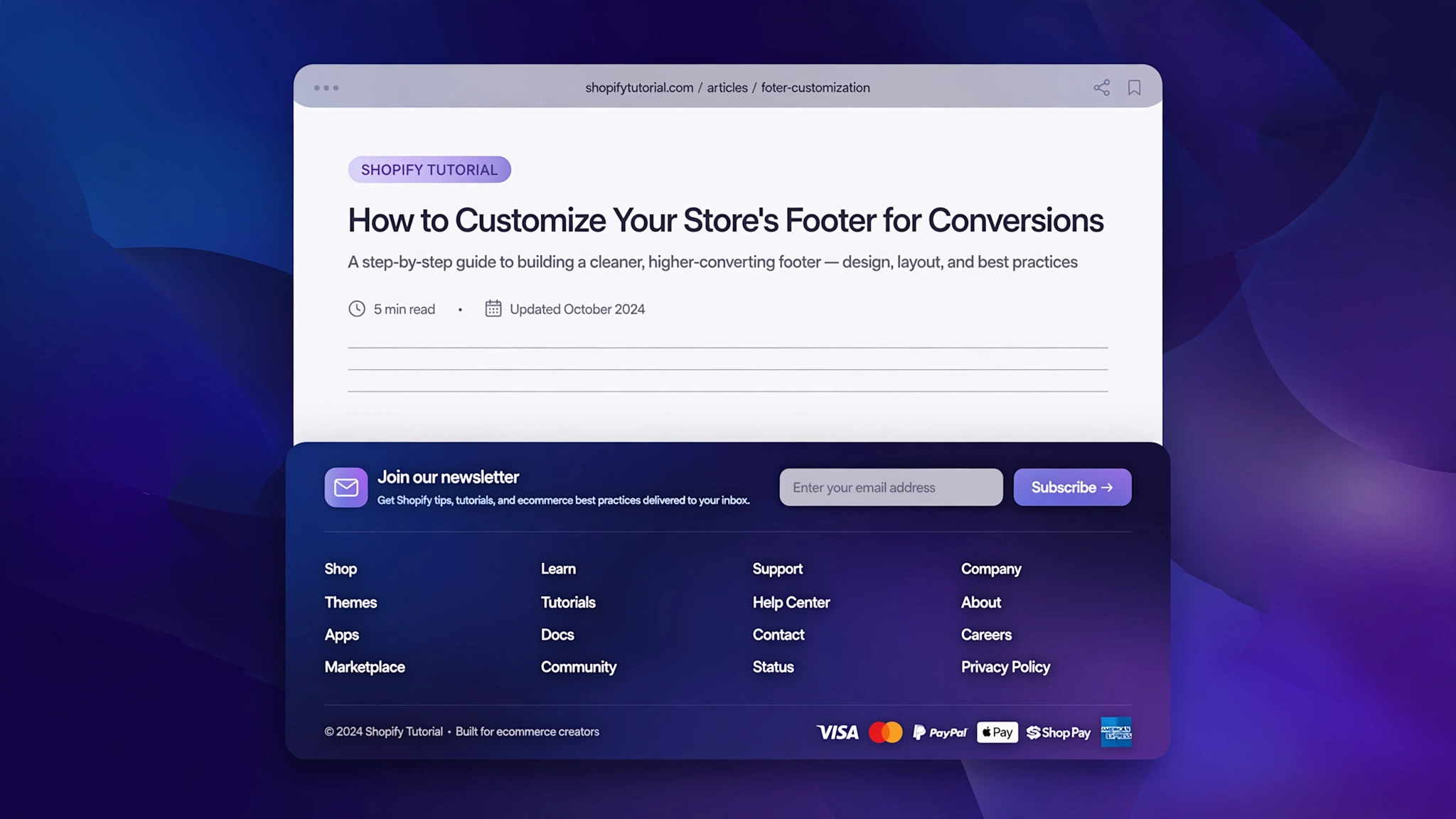
The footer is the most under-designed part of most Shopify stores — yet it is exactly where shoppers look for trust signals, policies and contact info. A rich, branded footer makes your store feel established and real.
With Custom Liquid sections you can build gorgeous footers without touching a line of theme code. Below are 6 ready-made footer designs for different store types, each with a live preview. Choose your favourite, copy the code, and give your store the strong finish it deserves.
1. Fashion Store – Minimal 4-Column Dark
Stark and structured — a four-column monochrome footer that means business, with a slim copyright bar.
Preview
Shop
NOIR ATTIRE — 4-column dark footer
Liquid Code
{% comment %} LayoutKart snippet: shopify-customize-footer-liquid v1 - paste into a Custom Liquid section {% endcomment %}
<style>
.f4v1-foot{max-width:640px;margin:0 auto;background:#111;color:#ddd;font-family:Arial,Helvetica,sans-serif;padding:28px 24px;display:flex;gap:20px;flex-wrap:wrap}
.f4v1-col{flex:1;min-width:110px}
.f4v1-col h4{color:#fff;font-size:13px;letter-spacing:2px;text-transform:uppercase;margin:0 0 10px}
.f4v1-col a{display:block;color:#aaa;font-size:13px;text-decoration:none;margin:6px 0}
.f4v1-base{max-width:640px;margin:0 auto;background:#000;color:#777;font-size:12px;text-align:center;padding:12px;font-family:Arial,Helvetica,sans-serif}
</style>
<div class="f4v1-foot"><div class="f4v1-col"><h4>Shop</h4><a href="#">New Arrivals</a><a href="#">Women</a><a href="#">Men</a></div><div class="f4v1-col"><h4>Help</h4><a href="#">Shipping</a><a href="#">Returns</a><a href="#">Size Guide</a></div><div class="f4v1-col"><h4>Company</h4><a href="#">About</a><a href="#">Stores</a><a href="#">Careers</a></div><div class="f4v1-col"><h4>Contact</h4><a href="#">Email Us</a><a href="#">WhatsApp</a><a href="#">FAQ</a></div></div><div class="f4v1-base">© 2026 Noir Attire — All rights reserved</div>
2. Beauty Store – Centered Newsletter Pink
Pretty in pink — a centered newsletter-first footer that grows your beauty email list while you sleep.
Preview
GlowLab — newsletter footer
Liquid Code
{% comment %} LayoutKart snippet: shopify-customize-footer-liquid v2 - paste into a Custom Liquid section {% endcomment %}
<style>
.f4v2-foot{max-width:640px;margin:0 auto;background:#fdf2f5;font-family:Georgia,serif;text-align:center;padding:30px 20px;color:#8e1f4d}
.f4v2-foot h4{font-style:italic;font-size:20px;margin:0 0 6px}
.f4v2-row{margin:14px 0}
.f4v2-foot input{padding:11px;width:55%;max-width:240px;border:1px solid #f3c6d3;border-radius:99px 0 0 99px;font-size:14px}
.f4v2-foot button{padding:11px 22px;background:#d6336c;color:#fff;border:none;border-radius:0 99px 99px 0;font-size:14px;cursor:pointer}
.f4v2-links{margin-top:14px;font-size:13px}
.f4v2-links a{color:#a1234f;margin:0 10px;text-decoration:none}
</style>
<div class="f4v2-foot"><h4>Get 10% off your first order</h4><div class="f4v2-row"><input type="email" placeholder="Your email address" aria-label="Email"><button type="button">Join</button></div><div class="f4v2-links"><a href="#">Shop</a><a href="#">About</a><a href="#">Reviews</a><a href="#">Contact</a></div></div>
3. Electronics Store – Dark Tech + Payments
Spec-sheet style — payment badges and support columns on deep navy, built for tech stores.
Preview
VoltEdge — tech footer with payment badges
Liquid Code
{% comment %} LayoutKart snippet: shopify-customize-footer-liquid v3 - paste into a Custom Liquid section {% endcomment %}
<style>
.f4v3-foot{max-width:640px;margin:0 auto;background:#071c33;color:#9fb8d8;font-family:'Trebuchet MS',Verdana,sans-serif;padding:26px 24px}
.f4v3-pay span{display:inline-block;border:1px solid #1e3a5f;border-radius:6px;padding:6px 12px;margin:4px 4px 4px 0;font-size:12px;color:#37e0ff}
.f4v3-cols{display:flex;gap:20px;flex-wrap:wrap;margin-top:14px}
.f4v3-col{flex:1;min-width:110px}
.f4v3-cols a{color:#9fb8d8;font-size:13px;text-decoration:none;display:block;margin:5px 0}
</style>
<div class="f4v3-foot"><div class="f4v3-pay"><span>VISA</span><span>UPI</span><span>RuPay</span><span>COD</span></div><div class="f4v3-cols"><div class="f4v3-col"><a href="#">Track Order</a><a href="#">Warranty</a><a href="#">Support</a></div><div class="f4v3-col"><a href="#">About</a><a href="#">Blog</a><a href="#">Careers</a></div></div></div>
4. Jewelry Store – Gold on Black
Quiet opulence — gold rules and serif links on black, made for fine jewelry houses.
Preview
Maison Auréle — luxury gold footer
Liquid Code
{% comment %} LayoutKart snippet: shopify-customize-footer-liquid v4 - paste into a Custom Liquid section {% endcomment %}
<style>
.f4v4-foot{max-width:640px;margin:0 auto;background:#0c0c14;color:#e9c767;font-family:Georgia,serif;text-align:center;padding:30px 20px;border-top:2px solid #e9c767}
.f4v4-foot p{font-size:18px;letter-spacing:4px;margin:0 0 12px}
.f4v4-foot a{color:#c9a94e;font-size:13px;margin:0 12px;text-decoration:none;letter-spacing:1px}
.f4v4-mono{font-size:11px;opacity:.7;margin-top:16px;letter-spacing:2px}
</style>
<div class="f4v4-foot"><p>MAISON AURÈLE</p><div><a href="#">High Jewelry</a><a href="#">Boutiques</a><a href="#">Care</a><a href="#">Contact</a></div><p class="f4v4-mono">© 2026 — CRAFTED TO LAST FOREVER</p></div>
5. Grocery Store – Fresh Green + App Badges
Farm to phone — app badges and quick links on fresh green for grocery brands.
Preview
FarmFresh — app-first footer
Liquid Code
{% comment %} LayoutKart snippet: shopify-customize-footer-liquid v5 - paste into a Custom Liquid section {% endcomment %}
<style>
.f4v5-foot{max-width:640px;margin:0 auto;background:#0b6e4f;color:#eafaf1;font-family:Verdana,Geneva,sans-serif;padding:26px 24px}
.f4v5-app span{display:inline-block;background:#fff;color:#0b6e4f;border-radius:8px;padding:8px 16px;margin:4px 4px 4px 0;font-size:13px;font-weight:700}
.f4v5-cols{display:flex;gap:20px;flex-wrap:wrap;margin-top:12px}
.f4v5-col{flex:1;min-width:110px}
.f4v5-cols a{color:#cdeeda;font-size:13px;text-decoration:none;display:block;margin:5px 0}
</style>
<div class="f4v5-foot"><div class="f4v5-app"><span>▶ Play Store</span><span> App Store</span></div><div class="f4v5-cols"><div class="f4v5-col"><a href="#">Fruits</a><a href="#">Vegetables</a><a href="#">Dairy</a></div><div class="f4v5-col"><a href="#">About</a><a href="#">Delivery Areas</a><a href="#">Contact</a></div></div></div>6. Kids Store – Playful Colorful
Candy-bright — a gradient party footer that matches the energy of kids' stores.
Preview
ToyJoy — playful gradient footer
Liquid Code
{% comment %} LayoutKart snippet: shopify-customize-footer-liquid v6 - paste into a Custom Liquid section {% endcomment %}
<style>
.f4v6-foot{max-width:640px;margin:0 auto;background:linear-gradient(135deg,#7c3aed,#ec4899);color:#fff;font-family:'Trebuchet MS',Verdana,sans-serif;text-align:center;padding:28px 20px;border-radius:18px}
.f4v6-emoji{font-size:26px}
.f4v6-foot a{color:#fff;font-size:14px;margin:0 10px;text-decoration:none;font-weight:700}
.f4v6-small{font-size:12px;opacity:.85;margin-top:12px}
</style>
<div class="f4v6-foot"><div class="f4v6-emoji">🧸🚂🎈</div><div style="margin:12px 0"><a href="#">Toys</a><a href="#">Games</a><a href="#">Sale</a><a href="#">Parents</a></div><p class="f4v6-small">© 2026 ToyJoy — play more, worry less</p></div>
How to Add Custom Footer to Shopify
Every snippet above is built for Shopify’s Custom Liquid section, so you don’t need to touch a single theme file. Here’s the 2-minute setup:
- From your Shopify admin, go to Online Store → Themes.
- Click Customize next to your live theme (works with Dawn and all OS 2.0 themes).
- Open the template where you want the feature, then click Add section.
- Choose Custom Liquid from the section list.
- Copy the Liquid code from your favourite variation above and paste it into the Custom Liquid box.
- Click Save — it’s live on your storefront instantly. No app, no coding, no risk.
Customize the Footer Design
Make it yours:
- Columns — add or remove link columns to match your sitemap.
- Newsletter — connect the email form to Shopify Email or your ESP.
- Payments — swap the badge labels for your actual payment gateways.
- Colors — match the footer background to your header for a framed look.
- Legal links — always keep Privacy, Terms and Refund Policy one click away.
More Shopify Code Sections
Keep upgrading your store with these free Liquid tutorials:
- How to Customize Shopify Header with Liquid
- Shopify Header Customization: Complete Code Guide
- Shopify Animated Sale Announcement Bar
- Shopify Sticky Announcement Bar That Stays on Scroll
- How to Customize Shopify Media Banner with Liquid/CSS
- Shopify Testimonial Auto Slider
- Shopify Infinite Logo Carousel (No App)
- Shopify Scrolling Brand Logos Section
Conclusion
A footer is your store's handshake — the last impression that says “this business is real.” With one of these six designs pasted into a Custom Liquid section, your footer stops being an afterthought and starts building trust. Pick your style, tweak the links, and finish your storefront strong.
Want more copy-paste Shopify sections? LayoutKart publishes free Liquid tutorials every week — no apps, no monthly fees, just clean code. Bookmark this page and check back for new effects!
