
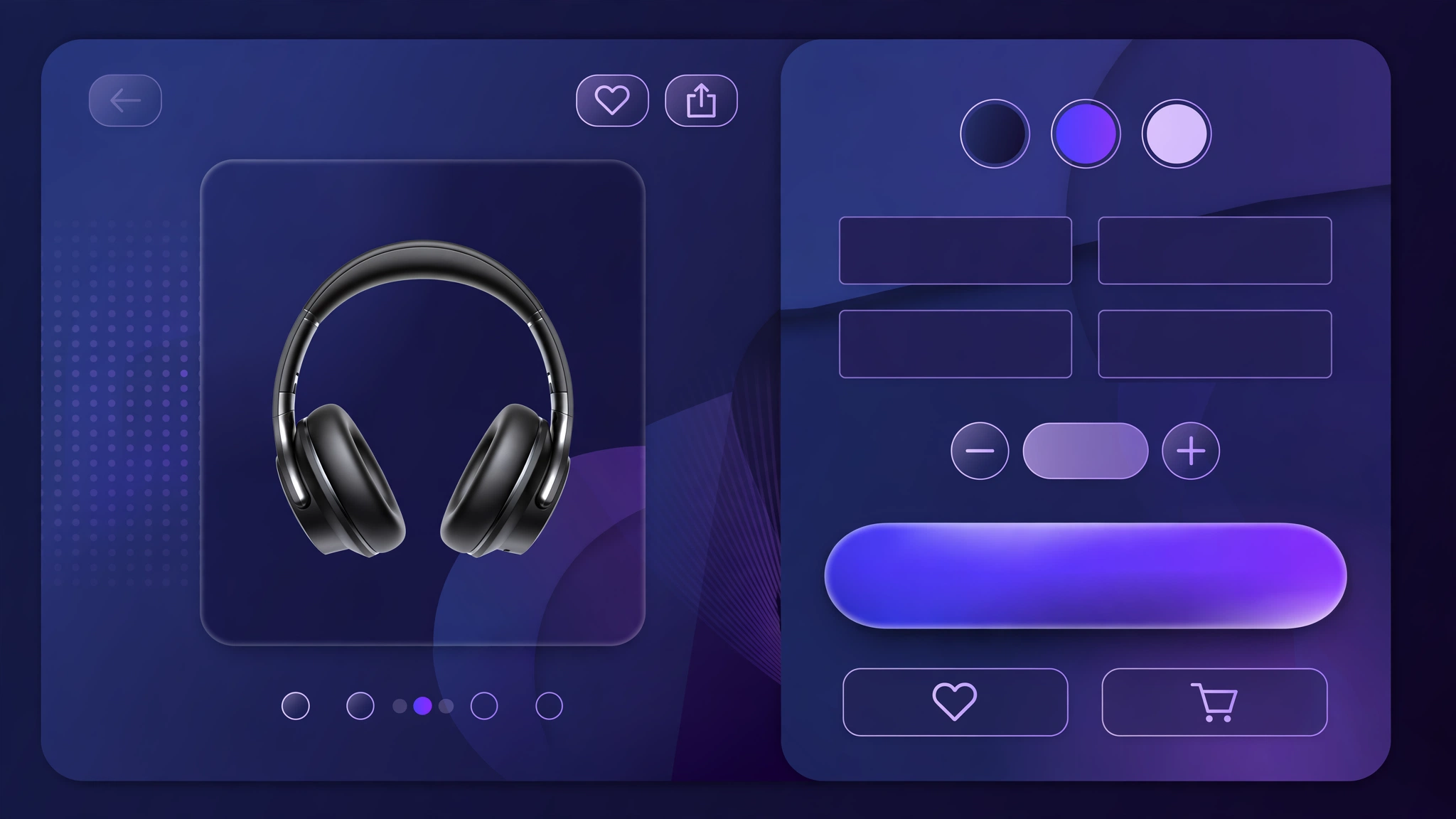
Every extra click between ‘want’ and ‘bought’ costs you sales. A bold, beautiful Buy Now button that jumps straight to checkout removes friction at the most critical moment. These 6 button designs use pure Liquid and CSS — paste one into a Custom Liquid section and give your checkout a conversion upgrade in minutes.
1. Fashion Store – Gradient Buy Button
Trendy pink-orange gradient for fashion.
Preview
Sample: full-width button that skips the cart and goes straight to checkout.
Liquid Code
{% form 'product', product %}
  <input type="hidden" name="id" value="{{ product.selected_or_first_available_variant.id }}" />
  <button type="submit" name="checkout" class="lk-buy" style="font-family:Arial, sans-serif;">
    BUY NOW <span style="font-size:13px;font-weight:400;opacity:.85;">— ships in 24 hrs</span>
  </button>
{% endform %}
<style>
.lk-buy {
  width:100%; background:linear-gradient(135deg,#ec4899,#f97316); color:#ffffff; border:none;
  padding:16px; border-radius:12px; font-size:17px; font-weight:800;
  cursor:pointer; margin:10px 0; letter-spacing:.5px;
  box-shadow:0 6px 18px rgba(0,0,0,.18);
}
.lk-buy:hover { filter:brightness(1.1); transform:translateY(-1px); }
</style>
2. Electronics Store – Power Buy Button
Electric blue for tech products.
Preview
Sample: full-width button that skips the cart and goes straight to checkout.
Liquid Code
{% form 'product', product %}
  <input type="hidden" name="id" value="{{ product.selected_or_first_available_variant.id }}" />
  <button type="submit" name="checkout" class="lk-buy" style="font-family:'Segoe UI', sans-serif;">
    ⚡ BUY NOW <span style="font-size:13px;font-weight:400;opacity:.85;">— 1-year warranty included</span>
  </button>
{% endform %}
<style>
.lk-buy {
  width:100%; background:#2563eb; color:#ffffff; border:none;
  padding:16px; border-radius:8px; font-size:17px; font-weight:800;
  cursor:pointer; margin:10px 0; letter-spacing:.5px;
  box-shadow:0 6px 18px rgba(0,0,0,.18);
}
.lk-buy:hover { filter:brightness(1.1); transform:translateY(-1px); }
</style>
3. Minimal Store – Clean Buy Button
Simple black minimal for premium brands.
Preview
Sample: full-width button that skips the cart and goes straight to checkout.
Liquid Code
{% form 'product', product %}
  <input type="hidden" name="id" value="{{ product.selected_or_first_available_variant.id }}" />
  <button type="submit" name="checkout" class="lk-buy" style="font-family:Georgia, serif;">
    Buy Now <span style="font-size:13px;font-weight:400;opacity:.85;"></span>
  </button>
{% endform %}
<style>
.lk-buy {
  width:100%; background:#111111; color:#ffffff; border:none;
  padding:16px; border-radius:4px; font-size:17px; font-weight:800;
  cursor:pointer; margin:10px 0; letter-spacing:.5px;
  box-shadow:0 6px 18px rgba(0,0,0,.18);
}
.lk-buy:hover { filter:brightness(1.1); transform:translateY(-1px); }
</style>
4. Luxury Store – Gold Buy Button
Black and gold for luxury goods.
Preview
Sample: full-width button that skips the cart and goes straight to checkout.
Liquid Code
{% form 'product', product %}
  <input type="hidden" name="id" value="{{ product.selected_or_first_available_variant.id }}" />
  <button type="submit" name="checkout" class="lk-buy" style="font-family:Georgia, serif;">
    ✦ BUY NOW ✦ <span style="font-size:13px;font-weight:400;opacity:.85;">— insured delivery</span>
  </button>
{% endform %}
<style>
.lk-buy {
  width:100%; background:#c9a227; color:#111111; border:none;
  padding:16px; border-radius:4px; font-size:17px; font-weight:800;
  cursor:pointer; margin:10px 0; letter-spacing:.5px;
  box-shadow:0 6px 18px rgba(0,0,0,.18);
}
.lk-buy:hover { filter:brightness(1.1); transform:translateY(-1px); }
</style>
5. Grocery Store – Fresh Buy Button
Friendly green for everyday essentials.
Preview
Sample: full-width button that skips the cart and goes straight to checkout.
Liquid Code
{% form 'product', product %}
  <input type="hidden" name="id" value="{{ product.selected_or_first_available_variant.id }}" />
  <button type="submit" name="checkout" class="lk-buy" style="font-family:Verdana, sans-serif;">
    🛒 BUY NOW <span style="font-size:13px;font-weight:400;opacity:.85;">— same-day delivery</span>
  </button>
{% endform %}
<style>
.lk-buy {
  width:100%; background:#16a34a; color:#ffffff; border:none;
  padding:16px; border-radius:20px; font-size:17px; font-weight:800;
  cursor:pointer; margin:10px 0; letter-spacing:.5px;
  box-shadow:0 6px 18px rgba(0,0,0,.18);
}
.lk-buy:hover { filter:brightness(1.1); transform:translateY(-1px); }
</style>
6. Sale Store – Urgent Buy Button
Red urgency for clearance and deals.
Preview
Sample: full-width button that skips the cart and goes straight to checkout.
Liquid Code
{% form 'product', product %}
  <input type="hidden" name="id" value="{{ product.selected_or_first_available_variant.id }}" />
  <button type="submit" name="checkout" class="lk-buy" style="font-family:'Arial Black', sans-serif;">
    🔥 BUY NOW <span style="font-size:13px;font-weight:400;opacity:.85;">— sale ends Sunday</span>
  </button>
{% endform %}
<style>
.lk-buy {
  width:100%; background:#dc2626; color:#ffffff; border:none;
  padding:16px; border-radius:8px; font-size:17px; font-weight:800;
  cursor:pointer; margin:10px 0; letter-spacing:.5px;
  box-shadow:0 6px 18px rgba(0,0,0,.18);
}
.lk-buy:hover { filter:brightness(1.1); transform:translateY(-1px); }
</style>
How to Add Custom Buy Now Button to Shopify
No theme file editing needed. Use Shopify’s Custom Liquid section:
- In Shopify admin, go to Online Store > Themes.
- Click Customize on your live theme (works with Dawn and all OS 2.0 themes).
- Navigate to your product page template using the top page selector.
- In the left sidebar, click Add section and choose Custom liquid.
- Paste the code from any variation above into the Custom liquid box.
- Drag the section to the right position (under the buy buttons is ideal) and click Save.
Tip: want it on every product automatically? Add the section once to the default product template and it appears store-wide.
Customize the Buy Now Button
- Change the background — gradients convert well for fashion, solid colors for premium.
- Edit the sub-text (‘ships in 24 hrs’) to highlight YOUR strongest promise.
- Make it sticky on mobile with position:sticky; bottom:0; for always-visible buying.
- A/B test two styles for a week each and keep the winner.
More Shopify Code Sections
- Shopify Sticky Add to Cart Bar
- Shopify Product Page Trust Badges with Liquid (Code + Guide)
- Shopify Product Page WhatsApp Order Button
- Shopify Product Page Stock Counter (Only X Left)
- Shopify Product Page Discount Banner
- Shopify Cart Drawer Custom Design
- Shopify Product Page Custom Offer Box
- Shopify Frequently Bought Together Section
Conclusion
Your Buy Now button is the hardest-working element on the product page — make it look like it. A distinctive, confident button design lifts click-through and checkout starts. Choose your style and paste it in today.
Want this done for you? LayoutKart builds conversion-ready Shopify stores with all these sections pre-installed. Browse our readymade Shopify templates or get a custom store built for your brand.
