
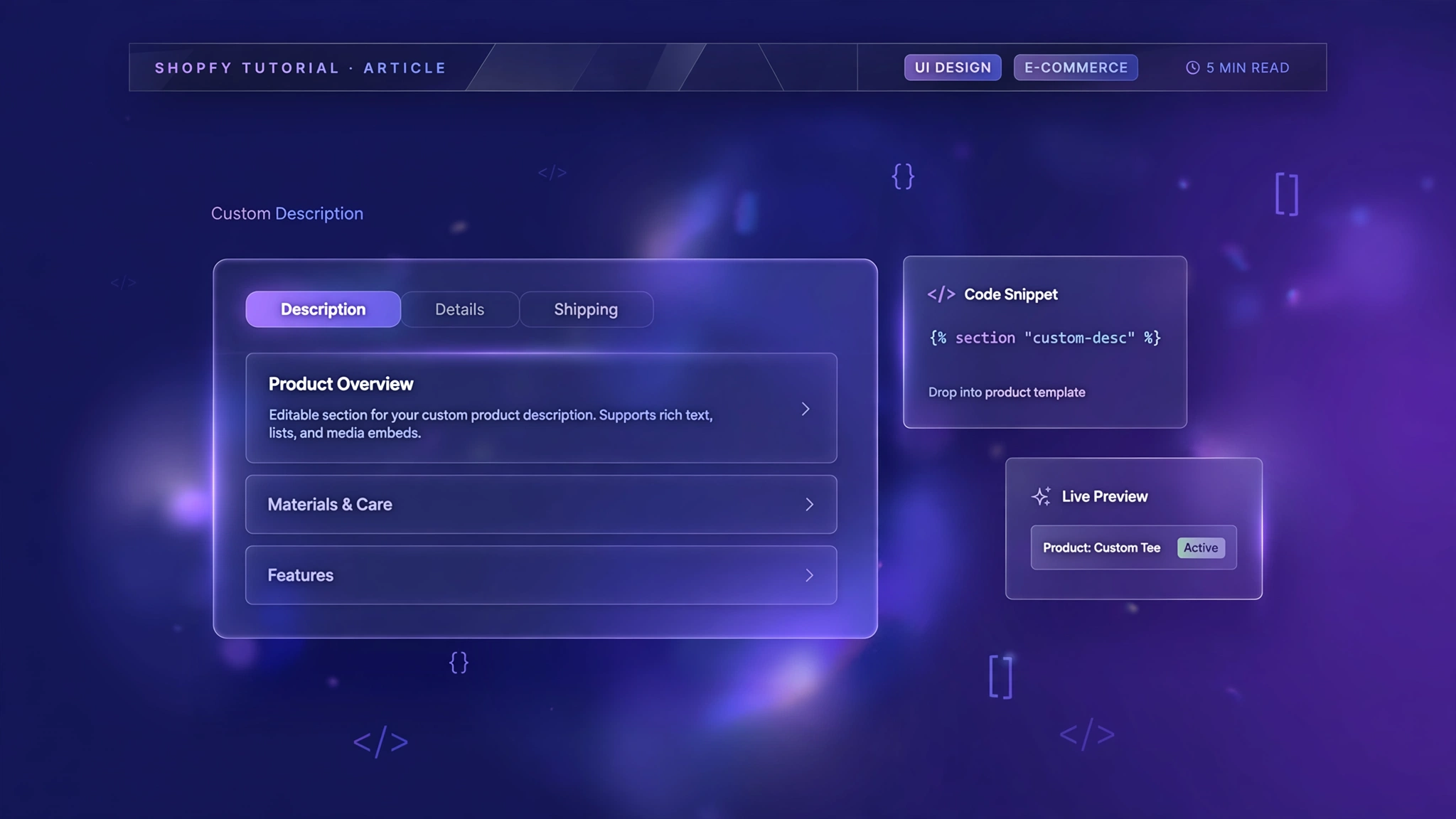
The default product description block is just a text dump — no structure, no style, no chance against a competitor with tabs, tables and accordions. A custom description section organizes your story: highlights up top, specs in a table, shipping in an accordion. Shoppers find answers faster and trust you more. And it’s all doable with Liquid + CSS in a Custom Liquid section, no app required. Below are 5 layout variations for different industries. Pick the one that fits your products, paste it in, and turn boring descriptions into selling machines.
1. Fashion Store – Tabbed Description
Classic tabs — Description, Details, Shipping — with lightweight vanilla JS. Apparel shoppers jump straight to what they care about.
Preview
Premium cotton tee with a relaxed fit, garment-dyed for rich color…
Sample: Structured description layout — install the code to wire it to your real product data.
Liquid Code
{% comment %}
  LayoutKart snippet: Custom Product Description - Fashion Store Tabbed Description
  Paste into a Custom Liquid section on the product template.
{% endcomment %}
<style>
  .lk-tabs-g5v1 { max-width: 720px; margin: 18px auto; font-size: 15px; }
  .lk-tabbtns-g5v1 { display: flex; gap: 6px; border-bottom: 2px solid #eee; }
  .lk-tabbtns-g5v1 button {
    background: none; border: none; padding: 12px 20px; cursor: pointer;
    font-weight: 600; color: #666; border-bottom: 3px solid transparent;
    margin-bottom: -2px; font-size: 14px;
  }
  .lk-tabbtns-g5v1 button.on { color: #111; border-color: #e94560; }
  .lk-pane-g5v1 { display: none; padding: 18px 4px; line-height: 1.75; color: #333; }
  .lk-pane-g5v1.on { display: block; }
</style>
<div class="lk-tabs-g5v1">
  <div class="lk-tabbtns-g5v1" id="lkTabBtnsG5v1">
    <button type="button" class="on" data-t="d1">Description</button>
    <button type="button" data-t="d2">Details</button>
    <button type="button" data-t="d3">Shipping</button>
  </div>
  <div class="lk-pane-g5v1 on" id="lkPaneD1G5v1">{{ product.description }}</div>
  <div class="lk-pane-g5v1" id="lkPaneD2G5v1">{{ product.metafields.custom.details | default: "Fabric, fit and care details go here." }}</div>
  <div class="lk-pane-g5v1" id="lkPaneD3G5v1">Dispatched in 24 hours. Free returns within 7 days.</div>
</div>
<script>
(function(){
  var btns = document.querySelectorAll('#lkTabBtnsG5v1 button');
  btns.forEach(function(b){
    b.addEventListener('click', function(){
      btns.forEach(function(x){ x.classList.remove('on'); });
      document.querySelectorAll('.lk-pane-g5v1').forEach(function(p){ p.classList.remove('on'); });
      b.classList.add('on');
      document.getElementById('lkPane' + b.dataset.t.toUpperCase() + 'G5v1').classList.add('on');
    });
  });
})();
</script>
2. Electronics – Spec Table
A proper specification table with model, SKU, availability and warranty — pulled live from Liquid objects. Gadget buyers trust tables.
Preview
| Model | Aurora X9 Pro |
|---|---|
| Availability | In stock |
Sample: Structured description layout — install the code to wire it to your real product data.
Liquid Code
{% comment %}
  LayoutKart snippet: Custom Product Description - Electronics Spec Table
  Paste into a Custom Liquid section on the product template.
{% endcomment %}
<style>
  .lk-spec-g5v2 { max-width: 720px; margin: 18px auto; border: 1px solid #e2e8f0; border-radius: 12px; overflow: hidden; }
  .lk-spec-g5v2 table { width: 100%; border-collapse: collapse; font-size: 14px; }
  .lk-spec-g5v2 th, .lk-spec-g5v2 td { padding: 12px 16px; text-align: left; border-bottom: 1px solid #eef2f7; }
  .lk-spec-g5v2 th { background: #0f172a; color: #fff; width: 40%; font-weight: 600; }
  .lk-spec-g5v2 tr:last-child th, .lk-spec-g5v2 tr:last-child td { border-bottom: none; }
  .lk-spec-g5v2 .lk-desc { padding: 16px; line-height: 1.75; color: #334155; background: #f8fafc; }
</style>
<div class="lk-spec-g5v2">
  <div class="lk-desc">{{ product.description | truncatewords: 50 }}</div>
  <table>
    <tr><th>Model</th><td>{{ product.title }}</td></tr>
    <tr><th>SKU</th><td>{{ product.selected_or_first_available_variant.sku | default: "N/A" }}</td></tr>
    <tr><th>Availability</th><td>{% if product.available %}In stock{% else %}Out of stock{% endif %}</td></tr>
    <tr><th>Warranty</th><td>{{ product.metafields.custom.warranty | default: "1 year manufacturer warranty" }}</td></tr>
  </table>
</div>
3. Beauty – Accordion Sections
Soft pink accordions for Description, Ingredients and How to Use — pure HTML, zero JavaScript. Clean and mobile-friendly.
Preview
Description +
Ingredients +
Sample: Structured description layout — install the code to wire it to your real product data.
Liquid Code
{% comment %}
  LayoutKart snippet: Custom Product Description - Beauty Accordion Sections
  Paste into a Custom Liquid section on the product template.
{% endcomment %}
<style>
  .lk-acc-g5v3 { max-width: 720px; margin: 18px auto; }
  .lk-acc-g5v3 details {
    border: 1px solid #f9a8d4; border-radius: 12px; margin-bottom: 10px;
    background: #fdf2f8; overflow: hidden;
  }
  .lk-acc-g5v3 summary {
    cursor: pointer; padding: 14px 18px; font-weight: 700; color: #831843;
    list-style: none; display: flex; justify-content: space-between;
  }
  .lk-acc-g5v3 summary::-webkit-details-marker { display: none; }
  .lk-acc-g5v3 summary::after { content: "+"; color: #ec4899; font-size: 20px; }
  .lk-acc-g5v3 details[open] summary::after { content: "\2013"; }
  .lk-acc-g5v3 .lk-c { padding: 0 18px 16px; font-size: 14px; line-height: 1.75; color: #6b2144; }
</style>
<div class="lk-acc-g5v3">
  <details open><summary>Description</summary><div class="lk-c">{{ product.description | truncatewords: 60 }}</div></details>
  <details><summary>Ingredients</summary><div class="lk-c">{{ product.metafields.custom.ingredients | default: "Full ingredient list goes here." }}</div></details>
  <details><summary>How to use</summary><div class="lk-c">{{ product.metafields.custom.how_to_use | default: "Usage instructions go here." }}</div></details>
</div>
4. Home Decor – Two-Column Story
Story on the left, fact-box on the right — like a magazine spread. Warm and editorial for furniture and decor brands.
Preview
Hand-loomed by artisan weavers, this rug brings warmth…
GOOD TO KNOW
- Hand-finished
- Free shipping over ₹999
Sample: Structured description layout — install the code to wire it to your real product data.
Liquid Code
{% comment %}
LayoutKart snippet: Custom Product Description - Home Decor Two-Column Story
Paste into a Custom Liquid section on the product template.
{% endcomment %}
<style>
.lk-cols-g5v4 { max-width: 860px; margin: 18px auto; display: grid; grid-template-columns: 1fr 1fr; gap: 28px; }
.lk-cols-g5v4 .lk-story { font-size: 15px; line-height: 1.8; color: #5b4a38; }
.lk-cols-g5v4 .lk-facts { background: #fffaf3; border: 1px solid #e8dcc8; border-radius: 12px; padding: 20px; }
.lk-cols-g5v4 .lk-facts h4 { margin: 0 0 10px; font-size: 13px; letter-spacing: .15em; text-transform: uppercase; color: #b07d4f; }
.lk-cols-g5v4 .lk-facts ul { margin: 0; padding-left: 18px; font-size: 14px; line-height: 1.9; color: #5b4a38; }
@media(max-width: 749px){ .lk-cols-g5v4 { grid-template-columns: 1fr; } }
</style>
<div class="lk-cols-g5v4">
<div class="lk-story">{{ product.description }}</div>
<div class="lk-facts">
<h4>Good to know</h4>
<ul>
<li>Hand-finished by artisans</li>
<li>Sustainably sourced materials</li>
<li>Free shipping over ₹999</li>
</ul>
</div>
</div>5. Jewelry – Serif Story Layout
Centered serif storytelling with a gold rule and drop cap. For pieces that deserve prose, not bullet points.
Preview
Each piece is cast, polished and set by hand…
— Crafted to be cherished
Sample: Structured description layout — install the code to wire it to your real product data.
Liquid Code
{% comment %}
LayoutKart snippet: Custom Product Description - Jewelry Serif Story Layout
Paste into a Custom Liquid section on the product template.
{% endcomment %}
<style>
.lk-story-g5v5 { max-width: 680px; margin: 18px auto; text-align: center; font-family: Georgia, serif; }
.lk-story-g5v5 .lk-rule { width: 60px; height: 2px; background: #d4af37; margin: 0 auto 18px; }
.lk-story-g5v5 .lk-drop::first-letter {
font-size: 3.2em; float: left; line-height: .9; padding-right: 8px; color: #a68b3f;
}
.lk-story-g5v5 p { font-size: 17px; line-height: 1.9; color: #4a4234; text-align: left; }
.lk-story-g5v5 .lk-sign { margin-top: 16px; font-style: italic; color: #a68b3f; }
</style>
<div class="lk-story-g5v5">
<div class="lk-rule"></div>
<p class="lk-drop">{{ product.description | strip_html | truncatewords: 70 }}</p>
<p class="lk-sign">— Crafted to be cherished</p>
</div>How to Add Custom Product Description to Shopify
No app needed — this works with a free built-in Shopify feature called the Custom Liquid section. It takes about two minutes:
- From your Shopify admin, go to Online Store → Themes.
- Click Customize next to your live theme (works with Dawn and all Online Store 2.0 themes).
- In the theme editor, use the top dropdown to navigate to a product page.
- In the left sidebar, click Add section → Custom liquid.
- Delete the placeholder code, paste the code from your chosen variation above, and click Save.
- Preview your store — the change is live instantly. Drag the section up or down to reposition it.
Tip: Always duplicate your theme first (Themes → … → Duplicate) so you have a backup before editing.
Customize the Custom Product Description
- Content source: swap
product.descriptionfor metafields (e.g.product.metafields.custom.specs) for structured data. - Tab labels: rename tabs to match your products (Size Guide, Care, Shipping).
- Styling: adjust fonts, colors and spacing to your theme’s design system.
- Default tab: in the JS version, change which tab opens first by moving the
activeclass.
More Shopify Code Sections
Keep customizing your store with these copy-paste tutorials:
- How to Limit Product Description Text in Shopify
- How to Shorten Long Product Text in Shopify with CSS
- Shopify Product Page Size Chart Popup
- How to Add Delivery Details on Shopify Product Page
- Shopify Product Page Trust Badges with Liquid (Code + Guide)
- How to Customize Shopify Add to Cart Button Using CSS/Liquid
- Shopify Product Page Custom Offer Box
- Shopify Sticky Add to Cart Bar
- Shopify Testimonial Auto Slider
Conclusion
A custom description section is where good products become great listings. Structure builds trust: shoppers see you’ve thought about their questions before they ask. Whether you go with tabs, an accordion or a spec table, you’re upgrading from ‘text dump’ to ‘sales page’. Pick your layout, paste the code, and let your descriptions finally pull their weight.
Want a store that already has all of this built in? Check out LayoutKart’s readymade Shopify sections and templates — premium designs, clean Liquid code, ready to install.
