
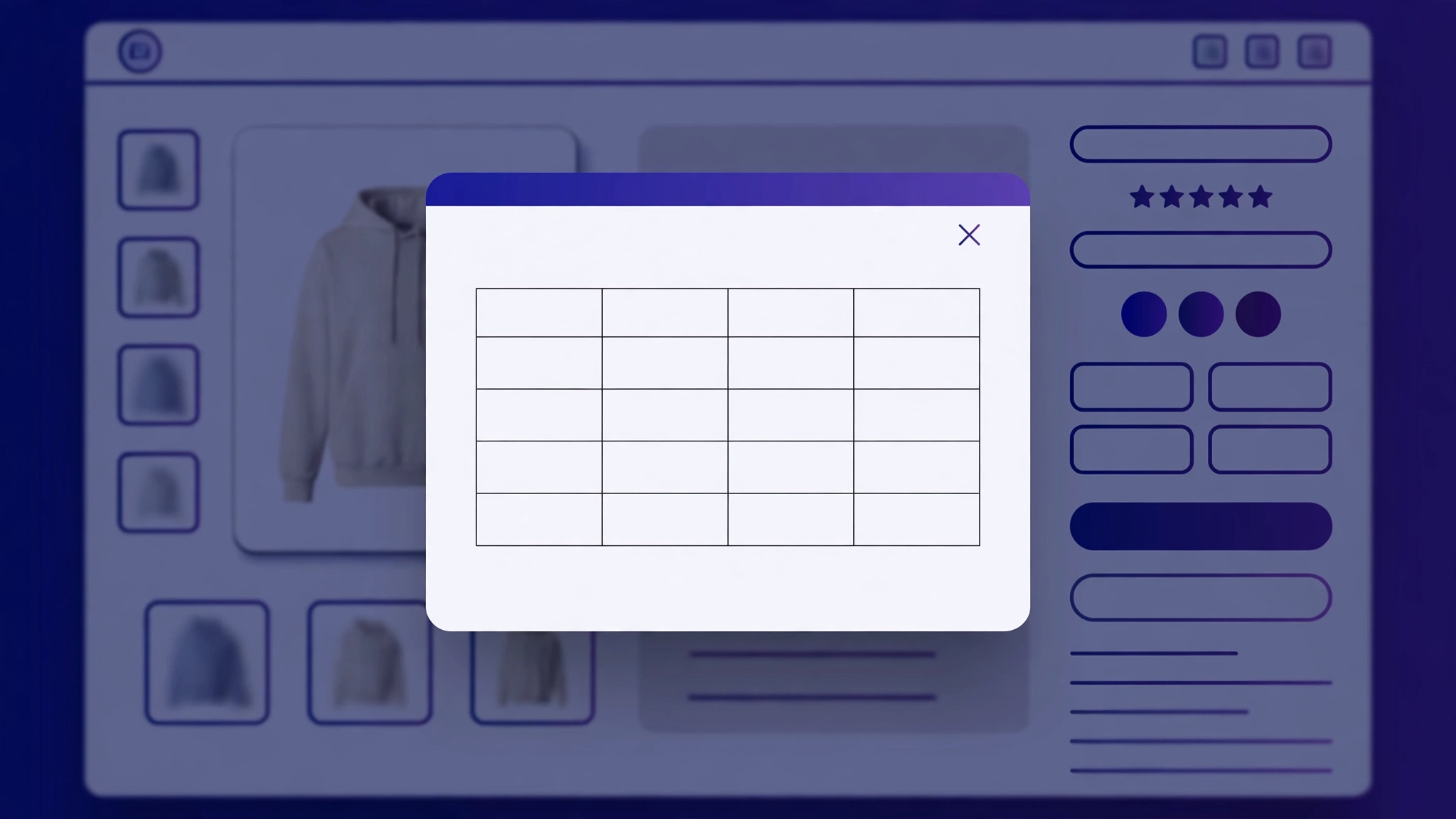
Wrong size = return. Returns eat your margin. A size chart popup right next to the size selector answers the ‘will it fit me?’ question before the customer bounces. These 6 copy-paste popups are styled for different fashion niches — no app, no monthly fee, just a Custom Liquid section and five minutes.
1. Men’s Fashion – Classic Size Popup
Clean navy popup with a standard men’s measurements table.
Preview
Sample: the button opens this popup when clicked.
Size Chart
| Size | Chest (in) | Waist (in) | Length (in) |
|---|---|---|---|
| S | 38 | 32 | 27 |
| M | 40 | 34 | 28 |
| L | 42 | 36 | 29 |
| XL | 44 | 38 | 30 |
Liquid Code
<button id="lk-size-btn" class="lk-size-btn">📏 View Size Chart</button>
<div id="lk-size-modal" class="lk-size-modal" style="display:none;">
<div class="lk-size-box">
<span id="lk-size-close" class="lk-size-close">×</span>
<h3 style="margin-top:0;font-family:Arial, sans-serif;">Size Chart</h3>
<table class="lk-size-table">
<tr><th>Size</th><th>Chest (in)</th><th>Waist (in)</th><th>Length (in)</th></tr>
<tr><td>S</td><td>38</td><td>32</td><td>27</td></tr>
<tr><td>M</td><td>40</td><td>34</td><td>28</td></tr>
<tr><td>L</td><td>42</td><td>36</td><td>29</td></tr>
<tr><td>XL</td><td>44</td><td>38</td><td>30</td></tr>
</table>
<p style="font-size:12px;color:#666;">Tip: when between sizes, we recommend the larger one.</p>
</div>
</div>
<style>
.lk-size-btn {
background:#1e3a5f; color:#ffffff; border:none;
padding:10px 20px; border-radius:8px; cursor:pointer;
font-family:Arial, sans-serif; font-size:14px; font-weight:600; margin:12px 0;
}
.lk-size-modal {
position:fixed; inset:0; background:rgba(0,0,0,.55);
display:flex; align-items:center; justify-content:center; z-index:9999;
}
.lk-size-box {
background:#fff; padding:26px; border-radius:12px; max-width:520px;
width:92%; max-height:85vh; overflow:auto; position:relative;
border-top:5px solid #1e3a5f; font-family:Arial, sans-serif;
}
.lk-size-close {
position:absolute; top:10px; right:16px; font-size:26px;
cursor:pointer; color:#999;
}
.lk-size-table { width:100%; border-collapse:collapse; margin:12px 0; font-size:14px; }
.lk-size-table th { background:#1e3a5f; color:#fff; padding:9px; }
.lk-size-table td { border:1px solid #e5e5e5; padding:9px; text-align:center; }
</style>
<script>
var lkBtn = document.getElementById('lk-size-btn');
var lkModal = document.getElementById('lk-size-modal');
lkBtn.addEventListener('click', function(){ lkModal.style.display = 'flex'; });
document.getElementById('lk-size-close').addEventListener('click', function(){ lkModal.style.display = 'none'; });
lkModal.addEventListener('click', function(e){ if (e.target === lkModal) lkModal.style.display = 'none'; });
</script>2. Women’s Fashion – Elegant Size Popup
Blush-toned popup with women’s measurements.
Preview
Sample: the button opens this popup when clicked.
Size Chart
| Size | Chest (in) | Waist (in) | Length (in) |
|---|---|---|---|
| XS | 32 | 26 | 25 |
| S | 34 | 28 | 26 |
| M | 36 | 30 | 27 |
| L | 38 | 32 | 28 |
Liquid Code
<button id="lk-size-btn" class="lk-size-btn">📏 Size Guide</button>
<div id="lk-size-modal" class="lk-size-modal" style="display:none;">
<div class="lk-size-box">
<span id="lk-size-close" class="lk-size-close">×</span>
<h3 style="margin-top:0;font-family:Georgia, serif;">Size Chart</h3>
<table class="lk-size-table">
<tr><th>Size</th><th>Chest (in)</th><th>Waist (in)</th><th>Length (in)</th></tr>
<tr><td>XS</td><td>32</td><td>26</td><td>25</td></tr>
<tr><td>S</td><td>34</td><td>28</td><td>26</td></tr>
<tr><td>M</td><td>36</td><td>30</td><td>27</td></tr>
<tr><td>L</td><td>38</td><td>32</td><td>28</td></tr>
</table>
<p style="font-size:12px;color:#666;">Tip: when between sizes, we recommend the larger one.</p>
</div>
</div>
<style>
.lk-size-btn {
background:#b76e79; color:#ffffff; border:none;
padding:10px 20px; border-radius:8px; cursor:pointer;
font-family:Georgia, serif; font-size:14px; font-weight:600; margin:12px 0;
}
.lk-size-modal {
position:fixed; inset:0; background:rgba(0,0,0,.55);
display:flex; align-items:center; justify-content:center; z-index:9999;
}
.lk-size-box {
background:#fff; padding:26px; border-radius:12px; max-width:520px;
width:92%; max-height:85vh; overflow:auto; position:relative;
border-top:5px solid #b76e79; font-family:Georgia, serif;
}
.lk-size-close {
position:absolute; top:10px; right:16px; font-size:26px;
cursor:pointer; color:#999;
}
.lk-size-table { width:100%; border-collapse:collapse; margin:12px 0; font-size:14px; }
.lk-size-table th { background:#b76e79; color:#fff; padding:9px; }
.lk-size-table td { border:1px solid #e5e5e5; padding:9px; text-align:center; }
</style>
<script>
var lkBtn = document.getElementById('lk-size-btn');
var lkModal = document.getElementById('lk-size-modal');
lkBtn.addEventListener('click', function(){ lkModal.style.display = 'flex'; });
document.getElementById('lk-size-close').addEventListener('click', function(){ lkModal.style.display = 'none'; });
lkModal.addEventListener('click', function(e){ if (e.target === lkModal) lkModal.style.display = 'none'; });
</script>3. Kids Wear – Playful Size Popup
Bright rounded popup with age-based kids sizing.
Preview
Sample: the button opens this popup when clicked.
Size Chart
| Size | Chest (in) | Waist (in) | Length (in) |
|---|---|---|---|
| 2-3Y | 22 | 20 | 18 |
| 4-5Y | 24 | 22 | 20 |
| 6-7Y | 26 | 23 | 22 |
| 8-9Y | 28 | 24 | 24 |
Liquid Code
<button id="lk-size-btn" class="lk-size-btn">📏 Kids Size Chart</button>
<div id="lk-size-modal" class="lk-size-modal" style="display:none;">
<div class="lk-size-box">
<span id="lk-size-close" class="lk-size-close">×</span>
<h3 style="margin-top:0;font-family:'Comic Sans MS', cursive, sans-serif;">Size Chart</h3>
<table class="lk-size-table">
<tr><th>Size</th><th>Chest (in)</th><th>Waist (in)</th><th>Length (in)</th></tr>
<tr><td>2-3Y</td><td>22</td><td>20</td><td>18</td></tr>
<tr><td>4-5Y</td><td>24</td><td>22</td><td>20</td></tr>
<tr><td>6-7Y</td><td>26</td><td>23</td><td>22</td></tr>
<tr><td>8-9Y</td><td>28</td><td>24</td><td>24</td></tr>
</table>
<p style="font-size:12px;color:#666;">Tip: when between sizes, we recommend the larger one.</p>
</div>
</div>
<style>
.lk-size-btn {
background:#ffb703; color:#023047; border:none;
padding:10px 20px; border-radius:8px; cursor:pointer;
font-family:'Comic Sans MS', cursive, sans-serif; font-size:14px; font-weight:600; margin:12px 0;
}
.lk-size-modal {
position:fixed; inset:0; background:rgba(0,0,0,.55);
display:flex; align-items:center; justify-content:center; z-index:9999;
}
.lk-size-box {
background:#fff; padding:26px; border-radius:12px; max-width:520px;
width:92%; max-height:85vh; overflow:auto; position:relative;
border-top:5px solid #ffb703; font-family:'Comic Sans MS', cursive, sans-serif;
}
.lk-size-close {
position:absolute; top:10px; right:16px; font-size:26px;
cursor:pointer; color:#999;
}
.lk-size-table { width:100%; border-collapse:collapse; margin:12px 0; font-size:14px; }
.lk-size-table th { background:#ffb703; color:#fff; padding:9px; }
.lk-size-table td { border:1px solid #e5e5e5; padding:9px; text-align:center; }
</style>
<script>
var lkBtn = document.getElementById('lk-size-btn');
var lkModal = document.getElementById('lk-size-modal');
lkBtn.addEventListener('click', function(){ lkModal.style.display = 'flex'; });
document.getElementById('lk-size-close').addEventListener('click', function(){ lkModal.style.display = 'none'; });
lkModal.addEventListener('click', function(e){ if (e.target === lkModal) lkModal.style.display = 'none'; });
</script>4. Footwear – Sporty Size Popup
Athletic dark popup with shoe size conversions.
Preview
Sample: the button opens this popup when clicked.
Size Chart
| Size | Chest (in) | Waist (in) | Length (in) |
|---|---|---|---|
| UK 6 | 40 | 9.8 | |
| UK 7 | 41 | 10.2 | |
| UK 8 | 42 | 10.6 | |
| UK 9 | 43 | 11 |
Liquid Code
<button id="lk-size-btn" class="lk-size-btn">📏 Shoe Size Chart</button>
<div id="lk-size-modal" class="lk-size-modal" style="display:none;">
<div class="lk-size-box">
<span id="lk-size-close" class="lk-size-close">×</span>
<h3 style="margin-top:0;font-family:'Segoe UI', sans-serif;">Size Chart</h3>
<table class="lk-size-table">
<tr><th>Size</th><th>Chest (in)</th><th>Waist (in)</th><th>Length (in)</th></tr>
<tr><td>UK 6</td><td>40</td><td>9.8</td><td></td></tr>
<tr><td>UK 7</td><td>41</td><td>10.2</td><td></td></tr>
<tr><td>UK 8</td><td>42</td><td>10.6</td><td></td></tr>
<tr><td>UK 9</td><td>43</td><td>11</td><td></td></tr>
</table>
<p style="font-size:12px;color:#666;">Tip: when between sizes, we recommend the larger one.</p>
</div>
</div>
<style>
.lk-size-btn {
background:#111111; color:#ffffff; border:none;
padding:10px 20px; border-radius:8px; cursor:pointer;
font-family:'Segoe UI', sans-serif; font-size:14px; font-weight:600; margin:12px 0;
}
.lk-size-modal {
position:fixed; inset:0; background:rgba(0,0,0,.55);
display:flex; align-items:center; justify-content:center; z-index:9999;
}
.lk-size-box {
background:#fff; padding:26px; border-radius:12px; max-width:520px;
width:92%; max-height:85vh; overflow:auto; position:relative;
border-top:5px solid #00c853; font-family:'Segoe UI', sans-serif;
}
.lk-size-close {
position:absolute; top:10px; right:16px; font-size:26px;
cursor:pointer; color:#999;
}
.lk-size-table { width:100%; border-collapse:collapse; margin:12px 0; font-size:14px; }
.lk-size-table th { background:#00c853; color:#fff; padding:9px; }
.lk-size-table td { border:1px solid #e5e5e5; padding:9px; text-align:center; }
</style>
<script>
var lkBtn = document.getElementById('lk-size-btn');
var lkModal = document.getElementById('lk-size-modal');
lkBtn.addEventListener('click', function(){ lkModal.style.display = 'flex'; });
document.getElementById('lk-size-close').addEventListener('click', function(){ lkModal.style.display = 'none'; });
lkModal.addEventListener('click', function(e){ if (e.target === lkModal) lkModal.style.display = 'none'; });
</script>5. Ethnic Wear – Royal Size Popup
Deep maroon and gold popup for kurtas and ethnic outfits.
Preview
Sample: the button opens this popup when clicked.
Size Chart
| Size | Chest (in) | Waist (in) | Length (in) |
|---|---|---|---|
| S | 38 | 40 | 40 |
| M | 40 | 42 | 42 |
| L | 42 | 44 | 44 |
| XL | 44 | 46 | 46 |
Liquid Code
<button id="lk-size-btn" class="lk-size-btn">📏 Size Chart (इंच में)</button>
<div id="lk-size-modal" class="lk-size-modal" style="display:none;">
<div class="lk-size-box">
<span id="lk-size-close" class="lk-size-close">×</span>
<h3 style="margin-top:0;font-family:Georgia, serif;">Size Chart</h3>
<table class="lk-size-table">
<tr><th>Size</th><th>Chest (in)</th><th>Waist (in)</th><th>Length (in)</th></tr>
<tr><td>S</td><td>38</td><td>40</td><td>40</td></tr>
<tr><td>M</td><td>40</td><td>42</td><td>42</td></tr>
<tr><td>L</td><td>42</td><td>44</td><td>44</td></tr>
<tr><td>XL</td><td>44</td><td>46</td><td>46</td></tr>
</table>
<p style="font-size:12px;color:#666;">Tip: when between sizes, we recommend the larger one.</p>
</div>
</div>
<style>
.lk-size-btn {
background:#7b1e2b; color:#f5e6c4; border:none;
padding:10px 20px; border-radius:8px; cursor:pointer;
font-family:Georgia, serif; font-size:14px; font-weight:600; margin:12px 0;
}
.lk-size-modal {
position:fixed; inset:0; background:rgba(0,0,0,.55);
display:flex; align-items:center; justify-content:center; z-index:9999;
}
.lk-size-box {
background:#fff; padding:26px; border-radius:12px; max-width:520px;
width:92%; max-height:85vh; overflow:auto; position:relative;
border-top:5px solid #c9a227; font-family:Georgia, serif;
}
.lk-size-close {
position:absolute; top:10px; right:16px; font-size:26px;
cursor:pointer; color:#999;
}
.lk-size-table { width:100%; border-collapse:collapse; margin:12px 0; font-size:14px; }
.lk-size-table th { background:#c9a227; color:#fff; padding:9px; }
.lk-size-table td { border:1px solid #e5e5e5; padding:9px; text-align:center; }
</style>
<script>
var lkBtn = document.getElementById('lk-size-btn');
var lkModal = document.getElementById('lk-size-modal');
lkBtn.addEventListener('click', function(){ lkModal.style.display = 'flex'; });
document.getElementById('lk-size-close').addEventListener('click', function(){ lkModal.style.display = 'none'; });
lkModal.addEventListener('click', function(e){ if (e.target === lkModal) lkModal.style.display = 'none'; });
</script>6. Plus Size – Inclusive Size Popup
Warm inclusive design with extended size range.
Preview
Sample: the button opens this popup when clicked.
Size Chart
| Size | Chest (in) | Waist (in) | Length (in) |
|---|---|---|---|
| XL | 44 | 38 | 30 |
| 2XL | 46 | 40 | 31 |
| 3XL | 48 | 42 | 32 |
| 4XL | 50 | 44 | 33 |
Liquid Code
<button id="lk-size-btn" class="lk-size-btn">📏 Find Your Fit</button>
<div id="lk-size-modal" class="lk-size-modal" style="display:none;">
<div class="lk-size-box">
<span id="lk-size-close" class="lk-size-close">×</span>
<h3 style="margin-top:0;font-family:Verdana, sans-serif;">Size Chart</h3>
<table class="lk-size-table">
<tr><th>Size</th><th>Chest (in)</th><th>Waist (in)</th><th>Length (in)</th></tr>
<tr><td>XL</td><td>44</td><td>38</td><td>30</td></tr>
<tr><td>2XL</td><td>46</td><td>40</td><td>31</td></tr>
<tr><td>3XL</td><td>48</td><td>42</td><td>32</td></tr>
<tr><td>4XL</td><td>50</td><td>44</td><td>33</td></tr>
</table>
<p style="font-size:12px;color:#666;">Tip: when between sizes, we recommend the larger one.</p>
</div>
</div>
<style>
.lk-size-btn {
background:#6d4c41; color:#ffffff; border:none;
padding:10px 20px; border-radius:8px; cursor:pointer;
font-family:Verdana, sans-serif; font-size:14px; font-weight:600; margin:12px 0;
}
.lk-size-modal {
position:fixed; inset:0; background:rgba(0,0,0,.55);
display:flex; align-items:center; justify-content:center; z-index:9999;
}
.lk-size-box {
background:#fff; padding:26px; border-radius:12px; max-width:520px;
width:92%; max-height:85vh; overflow:auto; position:relative;
border-top:5px solid #6d4c41; font-family:Verdana, sans-serif;
}
.lk-size-close {
position:absolute; top:10px; right:16px; font-size:26px;
cursor:pointer; color:#999;
}
.lk-size-table { width:100%; border-collapse:collapse; margin:12px 0; font-size:14px; }
.lk-size-table th { background:#6d4c41; color:#fff; padding:9px; }
.lk-size-table td { border:1px solid #e5e5e5; padding:9px; text-align:center; }
</style>
<script>
var lkBtn = document.getElementById('lk-size-btn');
var lkModal = document.getElementById('lk-size-modal');
lkBtn.addEventListener('click', function(){ lkModal.style.display = 'flex'; });
document.getElementById('lk-size-close').addEventListener('click', function(){ lkModal.style.display = 'none'; });
lkModal.addEventListener('click', function(e){ if (e.target === lkModal) lkModal.style.display = 'none'; });
</script>How to Add Size Chart Popup to Shopify
No theme file editing needed. Use Shopify’s Custom Liquid section:
- In Shopify admin, go to Online Store > Themes.
- Click Customize on your live theme (works with Dawn and all OS 2.0 themes).
- Navigate to your product page template using the top page selector.
- In the left sidebar, click Add section and choose Custom liquid.
- Paste the code from any variation above into the Custom liquid box.
- Drag the section to the right position (under the buy buttons is ideal) and click Save.
Tip: want it on every product automatically? Add the section once to the default product template and it appears store-wide.
Customize the Size Chart Popup
- Replace the table rows with YOUR actual measurements.
- Change the button text — ‘Size Guide’, ‘Find Your Fit’, or Hindi ‘साइज़ चार्ट’.
- Edit the accent color to match your theme.
- Show it only for apparel: wrap the button in {% if product.type == ‘Apparel’ %} … {% endif %}.
More Shopify Code Sections
- Shopify Product Page Trust Badges with Liquid (Code + Guide)
- Shopify Product Page Pincode Delivery Checker
- Shopify Product Page Estimated Delivery Date
- Shopify Product Page Custom Offer Box
- Shopify Product Card Quick View Button
- Shopify Product Page Stock Counter (Only X Left)
- Shopify Product Page WhatsApp Order Button
- Shopify Frequently Bought Together Section
Conclusion
A size chart popup is one of the highest-ROI additions for any apparel store. Fewer size doubts means fewer returns and more confident buyers. Pick your variation, paste it in, and update the measurements to match your products.
Want this done for you? LayoutKart builds conversion-ready Shopify stores with all these sections pre-installed. Browse our readymade Shopify templates or get a custom store built for your brand.
