
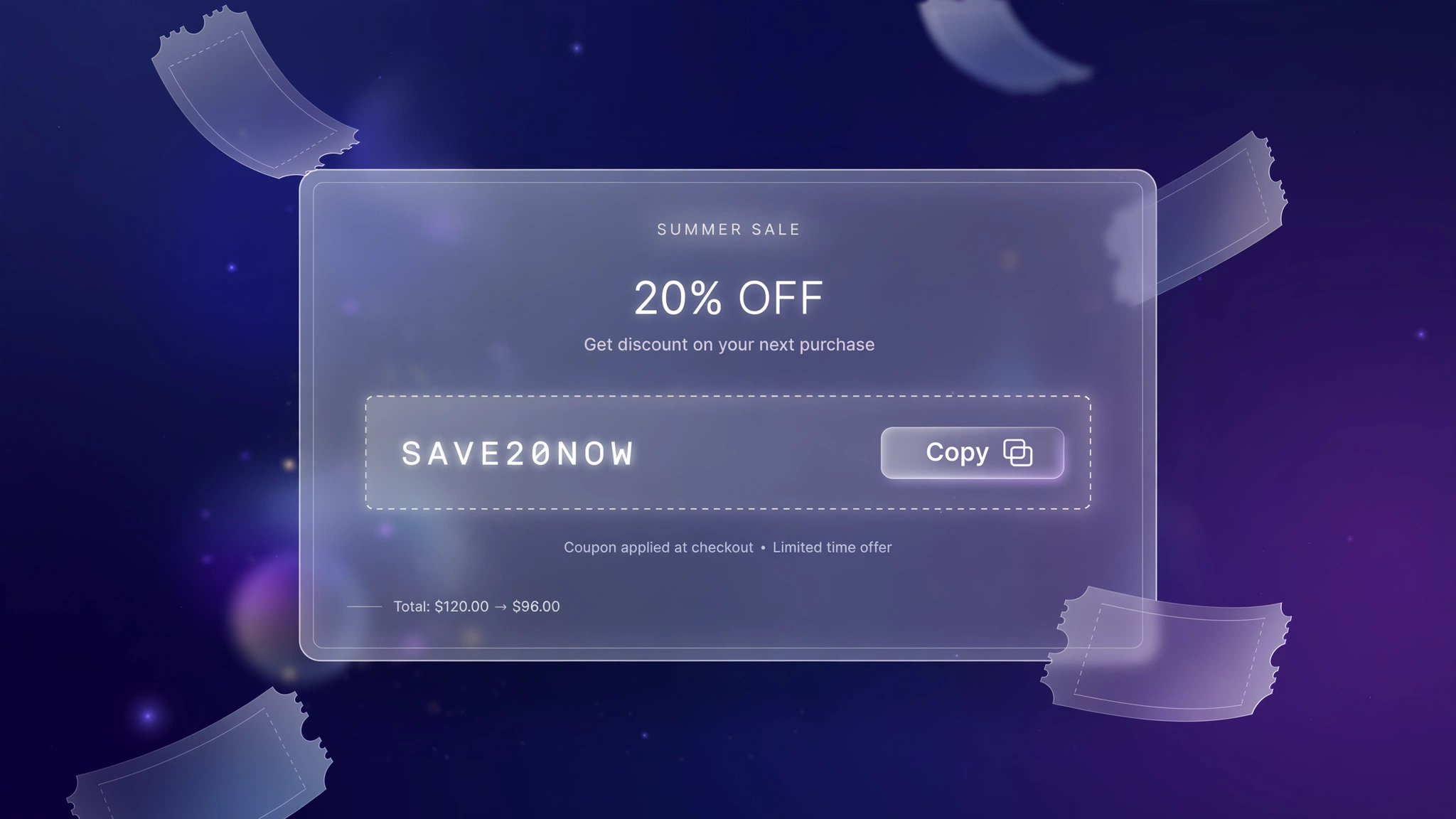
You’ve got a great discount code. The problem? Half your visitors will never use it — because copying a code, switching tabs, and pasting it at checkout is just enough friction to kill the impulse. A click-to-copy discount box removes that friction entirely: one tap, code copied, done. These 6 designs turn a boring coupon into a little moment of delight, from dashed ticket stubs to neon dark cards. Paste one into a Custom Liquid section wherever you announce the offer — cart page, announcement area, or a promo section — and watch redemption rates climb.
1. Ticket – Dashed Ticket Stub
Classic coupon look with dashed borders and perforated edges — instantly reads as ‘discount’ to every shopper.
Preview
SAVE10
Copy Code
Sample: One click copies the code — the button flips to “Copied ✓” for confirmation.
Liquid Code
{% comment %} LayoutKart - Discount Copy Button (Ticket Stub) {% endcomment %}
<style>
.lk-coupon-c1{display:flex;align-items:center;justify-content:space-between;gap:12px;
max-width:520px;margin:18px auto;padding:14px 18px;background:#ffffff;border:2px dashed #f59e0b;
border-radius:12px;font-family:inherit;}
.lk-coupon-c1 .lk-code{font-weight:800;font-size:20px;letter-spacing:2px;color:#b45309;}
.lk-coupon-c1 .lk-copy{padding:10px 22px;border:none;border-radius:8px;cursor:pointer;
background:#f59e0b;color:#ffffff;font-weight:700;font-size:14px;white-space:nowrap;}
.lk-coupon-c1 .lk-lab{font-size:12px;opacity:.65;margin-bottom:2px;}
</style>
<div class="lk-coupon-c1">
  <div><div class="lk-lab">Use this code at checkout</div><span class="lk-code" id="lkCodec1">SAVE10</span></div>
  <button class="lk-copy" id="lkCopyBtnc1">Copy Code</button>
</div>
<script>
(function(){
var btn=document.getElementById('lkCopyBtnc1');
var code=document.getElementById('lkCodec1').textContent.trim();
btn.addEventListener('click',function(){
function done(){btn.textContent='Copied ✓';setTimeout(function(){btn.textContent='Copy Code';},2000);}
if(navigator.clipboard&&navigator.clipboard.writeText){
navigator.clipboard.writeText(code).then(done).catch(function(){fallback();});}
else{fallback();}
function fallback(){
var t=document.createElement('textarea');t.value=code;document.body.appendChild(t);
t.select();try{document.execCommand('copy');done();}catch(e){}document.body.removeChild(t);}});
})();
</script>
2. Gradient – Gradient Banner
Bold gradient banner for sale season — the coupon feels like an event, not an afterthought.
Preview
FESTIVE20
Copy Code
Sample: One click copies the code — the button flips to “Copied ✓” for confirmation.
Liquid Code
{% comment %} LayoutKart - Discount Copy Button (Gradient Pop) {% endcomment %}
<style>
.lk-coupon-c2{display:flex;align-items:center;justify-content:space-between;gap:12px;
max-width:520px;margin:18px auto;padding:14px 18px;background:linear-gradient(135deg,#7c3aed,#ec4899);border:none;
border-radius:14px;font-family:inherit;}
.lk-coupon-c2 .lk-code{font-weight:800;font-size:20px;letter-spacing:2px;color:#ffffff;}
.lk-coupon-c2 .lk-copy{padding:10px 22px;border:none;border-radius:8px;cursor:pointer;
background:#ffffff;color:#7c3aed;font-weight:700;font-size:14px;white-space:nowrap;}
.lk-coupon-c2 .lk-lab{font-size:12px;opacity:.65;margin-bottom:2px;}
</style>
<div class="lk-coupon-c2">
  <div><div class="lk-lab">Limited period offer</div><span class="lk-code" id="lkCodec2">FESTIVE20</span></div>
  <button class="lk-copy" id="lkCopyBtnc2">Copy Code</button>
</div>
<script>
(function(){
var btn=document.getElementById('lkCopyBtnc2');
var code=document.getElementById('lkCodec2').textContent.trim();
btn.addEventListener('click',function(){
function done(){btn.textContent='Copied ✓';setTimeout(function(){btn.textContent='Copy Code';},2000);}
if(navigator.clipboard&&navigator.clipboard.writeText){
navigator.clipboard.writeText(code).then(done).catch(function(){fallback();});}
else{fallback();}
function fallback(){
var t=document.createElement('textarea');t.value=code;document.body.appendChild(t);
t.select();try{document.execCommand('copy');done();}catch(e){}document.body.removeChild(t);}});
})();
</script>
3. Minimal – Inline Minimal
Slim inline style for minimal stores — the code sits quietly next to a subtle copy button.
Preview
WELCOME15
Copy Code
Sample: One click copies the code — the button flips to “Copied ✓” for confirmation.
Liquid Code
{% comment %} LayoutKart - Discount Copy Button (Inline Clean) {% endcomment %}
<style>
.lk-coupon-c3{display:flex;align-items:center;justify-content:space-between;gap:12px;
max-width:520px;margin:18px auto;padding:14px 18px;background:#f9fafb;border:1px solid #e5e7eb;
border-radius:6px;font-family:inherit;}
.lk-coupon-c3 .lk-code{font-weight:800;font-size:20px;letter-spacing:2px;color:#111111;}
.lk-coupon-c3 .lk-copy{padding:10px 22px;border:none;border-radius:8px;cursor:pointer;
background:#111111;color:#ffffff;font-weight:700;font-size:14px;white-space:nowrap;}
.lk-coupon-c3 .lk-lab{font-size:12px;opacity:.65;margin-bottom:2px;}
</style>
<div class="lk-coupon-c3">
  <div><div class="lk-lab">New here? Take 15% off</div><span class="lk-code" id="lkCodec3">WELCOME15</span></div>
  <button class="lk-copy" id="lkCopyBtnc3">Copy Code</button>
</div>
<script>
(function(){
var btn=document.getElementById('lkCopyBtnc3');
var code=document.getElementById('lkCodec3').textContent.trim();
btn.addEventListener('click',function(){
function done(){btn.textContent='Copied ✓';setTimeout(function(){btn.textContent='Copy Code';},2000);}
if(navigator.clipboard&&navigator.clipboard.writeText){
navigator.clipboard.writeText(code).then(done).catch(function(){fallback();});}
else{fallback();}
function fallback(){
var t=document.createElement('textarea');t.value=code;document.body.appendChild(t);
t.select();try{document.execCommand('copy');done();}catch(e){}document.body.removeChild(t);}});
})();
</script>
4. Sale – Bold Sale Card
High-contrast sale card that shouts value — made for clearance events and festive campaigns.
Preview
MEGA25
Copy Code
Sample: One click copies the code — the button flips to “Copied ✓” for confirmation.
Liquid Code
{% comment %} LayoutKart - Discount Copy Button (Sale Shout) {% endcomment %}
<style>
.lk-coupon-c4{display:flex;align-items:center;justify-content:space-between;gap:12px;
max-width:520px;margin:18px auto;padding:14px 18px;background:#fef2f2;border:2px solid #dc2626;
border-radius:10px;font-family:inherit;}
.lk-coupon-c4 .lk-code{font-weight:800;font-size:20px;letter-spacing:2px;color:#991b1b;}
.lk-coupon-c4 .lk-copy{padding:10px 22px;border:none;border-radius:8px;cursor:pointer;
background:#dc2626;color:#ffffff;font-weight:700;font-size:14px;white-space:nowrap;}
.lk-coupon-c4 .lk-lab{font-size:12px;opacity:.65;margin-bottom:2px;}
</style>
<div class="lk-coupon-c4">
  <div><div class="lk-lab">Today only — 25% off</div><span class="lk-code" id="lkCodec4">MEGA25</span></div>
  <button class="lk-copy" id="lkCopyBtnc4">Copy Code</button>
</div>
<script>
(function(){
var btn=document.getElementById('lkCopyBtnc4');
var code=document.getElementById('lkCodec4').textContent.trim();
btn.addEventListener('click',function(){
function done(){btn.textContent='Copied ✓';setTimeout(function(){btn.textContent='Copy Code';},2000);}
if(navigator.clipboard&&navigator.clipboard.writeText){
navigator.clipboard.writeText(code).then(done).catch(function(){fallback();});}
else{fallback();}
function fallback(){
var t=document.createElement('textarea');t.value=code;document.body.appendChild(t);
t.select();try{document.execCommand('copy');done();}catch(e){}document.body.removeChild(t);}});
})();
</script>
5. Neon – Dark Neon Card
Dark card with glowing accents for streetwear and tech brands — the coupon looks like a drop code.
Preview
DROP10
Copy Code
Sample: One click copies the code — the button flips to “Copied ✓” for confirmation.
Liquid Code
{% comment %} LayoutKart - Discount Copy Button (Neon Drop) {% endcomment %}
<style>
.lk-coupon-c5{display:flex;align-items:center;justify-content:space-between;gap:12px;
max-width:520px;margin:18px auto;padding:14px 18px;background:#0f172a;border:1px solid #22d3ee;
border-radius:12px;font-family:inherit;}
.lk-coupon-c5 .lk-code{font-weight:800;font-size:20px;letter-spacing:2px;color:#22d3ee;}
.lk-coupon-c5 .lk-copy{padding:10px 22px;border:none;border-radius:8px;cursor:pointer;
background:#22d3ee;color:#0f172a;font-weight:700;font-size:14px;white-space:nowrap;}
.lk-coupon-c5 .lk-lab{font-size:12px;opacity:.65;margin-bottom:2px;}
</style>
<div class="lk-coupon-c5">
  <div><div class="lk-lab">Secret drop code</div><span class="lk-code" id="lkCodec5">DROP10</span></div>
  <button class="lk-copy" id="lkCopyBtnc5">Copy Code</button>
</div>
<script>
(function(){
var btn=document.getElementById('lkCopyBtnc5');
var code=document.getElementById('lkCodec5').textContent.trim();
btn.addEventListener('click',function(){
function done(){btn.textContent='Copied ✓';setTimeout(function(){btn.textContent='Copy Code';},2000);}
if(navigator.clipboard&&navigator.clipboard.writeText){
navigator.clipboard.writeText(code).then(done).catch(function(){fallback();});}
else{fallback();}
function fallback(){
var t=document.createElement('textarea');t.value=code;document.body.appendChild(t);
t.select();try{document.execCommand('copy');done();}catch(e){}document.body.removeChild(t);}});
})();
</script>
6. Scissors – Coupon with Scissors
Playful scissors-divider style — nostalgic coupon-clipping vibes for family and grocery stores.
Preview
FAMILY15
Copy Code
Sample: One click copies the code — the button flips to “Copied ✓” for confirmation.
Liquid Code
{% comment %} LayoutKart - Discount Copy Button (Clip Coupon) {% endcomment %}
<style>
.lk-coupon-c6{display:flex;align-items:center;justify-content:space-between;gap:12px;
max-width:520px;margin:18px auto;padding:14px 18px;background:#fffbeb;border:2px dashed #d97706;
border-radius:16px;font-family:inherit;}
.lk-coupon-c6 .lk-code{font-weight:800;font-size:20px;letter-spacing:2px;color:#92400e;}
.lk-coupon-c6 .lk-copy{padding:10px 22px;border:none;border-radius:8px;cursor:pointer;
background:#d97706;color:#ffffff;font-weight:700;font-size:14px;white-space:nowrap;}
.lk-coupon-c6 .lk-lab{font-size:12px;opacity:.65;margin-bottom:2px;}
</style>
<div class="lk-coupon-c6">
  <div><div class="lk-lab">✂ - - - clip & save - - - ✂</div><span class="lk-code" id="lkCodec6">FAMILY15</span></div>
  <button class="lk-copy" id="lkCopyBtnc6">Copy Code</button>
</div>
<script>
(function(){
var btn=document.getElementById('lkCopyBtnc6');
var code=document.getElementById('lkCodec6').textContent.trim();
btn.addEventListener('click',function(){
function done(){btn.textContent='Copied ✓';setTimeout(function(){btn.textContent='Copy Code';},2000);}
if(navigator.clipboard&&navigator.clipboard.writeText){
navigator.clipboard.writeText(code).then(done).catch(function(){fallback();});}
else{fallback();}
function fallback(){
var t=document.createElement('textarea');t.value=code;document.body.appendChild(t);
t.select();try{document.execCommand('copy');done();}catch(e){}document.body.removeChild(t);}});
})();
</script>
How to Add Discount Code Copy Button to Shopify
No app needed — this works with a free built-in Shopify feature called the Custom Liquid section. It takes about two minutes:
- From your Shopify admin, go to Online Store → Themes.
- Click Customize next to your live theme (works with Dawn and all Online Store 2.0 themes).
- In the theme editor, use the top dropdown to navigate to your cart page (or product page for product-page effects).
- In the left sidebar, click Add section → Custom liquid.
- Delete the placeholder code, paste the code from your chosen variation above, and click Save.
- Preview your store — the effect is live instantly. Drag the section up or down to reposition it.
Tip: Always duplicate your theme first (Themes → … → Duplicate) so you have a backup before editing.
Customize the Discount Code Copy Button
- Your code: replace
SAVE10with your actual discount code (create it first in Discounts). - Copy feedback: the button flips to ‘Copied!’ for 2 seconds — tweak the text or timing.
- Fallback: includes a legacy copy method for older browsers, so it works everywhere.
- Placement: cart page and announcement sections convert best — put it where the offer is mentioned.
More Shopify Code Sections
Keep customizing your store with these copy-paste tutorials:
- Shopify Automatic Discount Code Display
- Shopify Cart Page Announcement Message
- Shopify Animated Sale Announcement Bar
- Shopify Cart Free Shipping Progress Bar (Boost AOV)
- Shopify Product Page Discount Banner
- Shopify Countdown Announcement Bar
- Shopify Cart Drawer Custom Design with Liquid
- Shopify ‘Frequently Bought Together’ Section
- Shopify Sticky Add to Cart Bar
Conclusion
A discount only works if people actually use it. The copy button deletes the fiddliest step between ‘nice offer’ and ‘order placed’. Pick the style that matches your promo, drop in your real code, and make every coupon you ever run just a little bit harder to ignore.
Want a store that already has all of this built in? Check out LayoutKart’s readymade Shopify sections and templates — premium designs, clean Liquid code, ready to install.
