
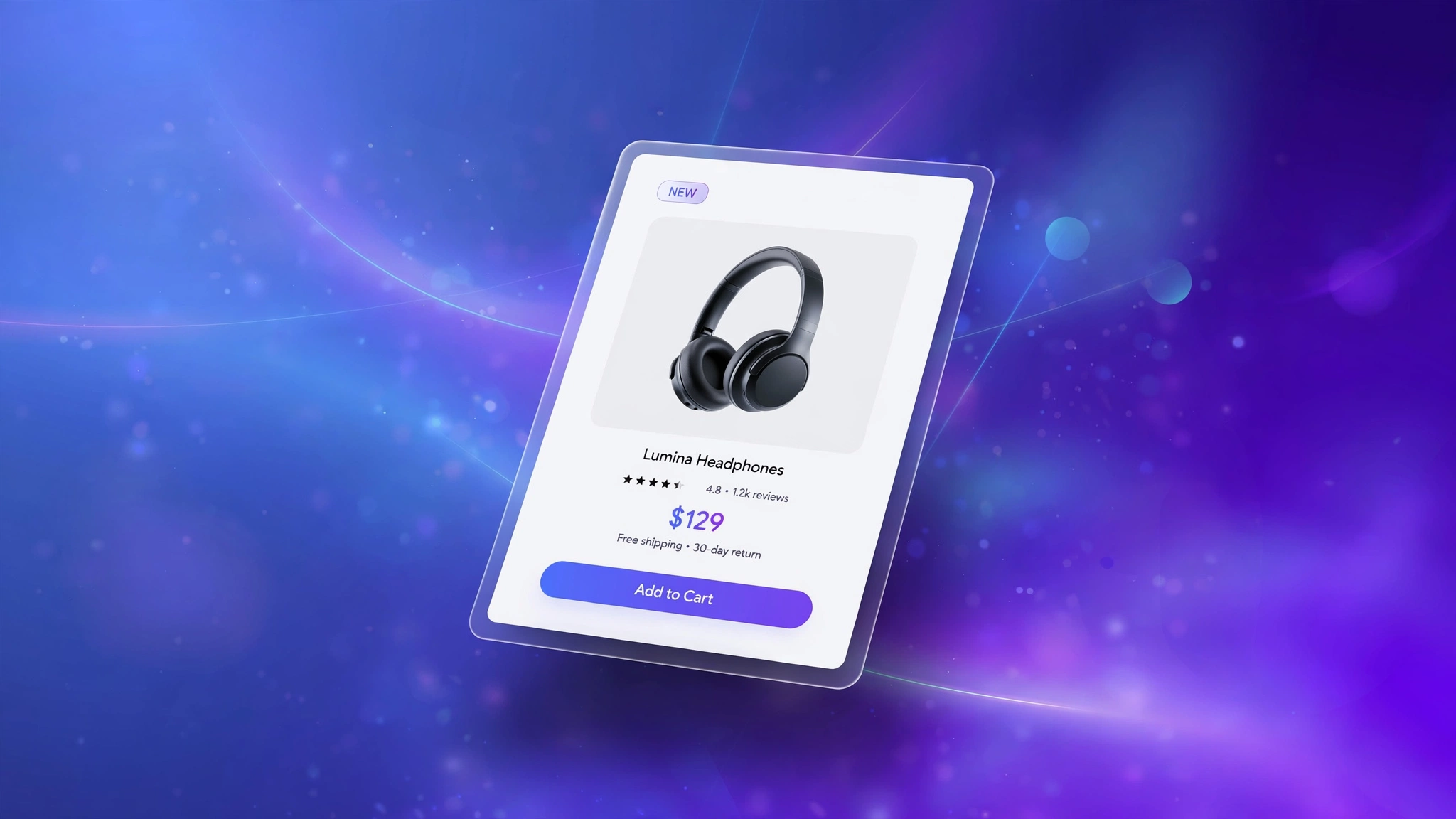
A product card that reacts when shoppers hover feels alive — and alive stores sell more. The good news: you do not need another paid app to get buttery hover effects on your Shopify product cards. Below are 5 copy-paste designs built with plain Liquid and CSS for a Custom liquid section. Each one renders a live preview right here so you can feel it before you paste it. Pick the style that matches your brand.
1. Fashion Store – Minimal Lift
The classic. The card lifts eight pixels and the shadow deepens, like the product is floating toward the cursor. Fashion brands love it because it is subtle, fast, and never distracts from the clothing. Works beautifully on white-background catalogs and keeps your grid looking calm until someone interacts.
Preview
{{ product.title | default: ‘Aurora Silk Dress’ }}
{{ product.price | default: 4999 | money }}
Try it: hover over the card above
Liquid Code
<div class="lkc-ch1">
<div class="lkc-card">
  <div class="lkc-media">
    <div class="lkc-ph"></div>
  </div>
  <div class="lkc-info">
    <h4>{{ product.title | default: 'Aurora Silk Dress' }}</h4>
    <p class="lkc-price">{{ product.price | default: 4999 | money }}</p>
    <button class="lkc-btn" type="button">Add to cart</button>
  </div>
</div>
</div>
<style>
.lkc-ch1{max-width:320px;margin:24px auto;font-family:-apple-system,'Segoe UI',Roboto,sans-serif}
.lkc-ch1 .lkc-card{background:#fff;border-radius:14px;overflow:hidden;box-shadow:0 2px 12px rgba(30,27,75,.10);transition:transform .35s ease,box-shadow .35s ease}
.lkc-ch1 .lkc-media{position:relative;aspect-ratio:4/5;overflow:hidden;background:#eef2ff}
.lkc-ch1 .lkc-ph{position:absolute;inset:0;background:linear-gradient(135deg,#c7d2fe 0%,#ddd6fe 55%,#e9d5ff 100%)}
.lkc-ch1 .lkc-ph2{position:absolute;inset:0;background:linear-gradient(135deg,#a5b4fc 0%,#c4b5fd 60%,#f0abfc 100%);opacity:0;transition:opacity .45s ease}
.lkc-ch1 .lkc-info{padding:14px 16px 18px;text-align:center}
.lkc-ch1 .lkc-info h4{margin:0 0 6px;font-size:16px;color:#1e1b4b;font-weight:600}
.lkc-ch1 .lkc-price{margin:0 0 12px;font-weight:700;color:#4f46e5;font-size:15px}
.lkc-ch1 .lkc-price s{color:#9ca3af;font-weight:400;margin-right:6px}
.lkc-ch1 .lkc-btn{display:inline-block;background:#4f46e5;color:#fff;border:0;border-radius:999px;padding:10px 24px;font-weight:600;cursor:pointer;font-size:14px;transition:background .25s,transform .25s}
.lkc-ch1 .lkc-btn:hover{background:#4338ca}
.lkc-ch1 .lkc-card:hover{transform:translateY(-8px);box-shadow:0 18px 34px rgba(30,27,75,.18)}
</style>
2. Jewelry – Luxury Glow
Jewelry needs drama. On hover the card scales up two percent while a warm gold glow blooms around the edges, making rings and necklaces feel like they are under a spotlight. The slow half-second transition keeps it elegant, never jumpy. Pair it with a serif product title for a full boutique feel.
Preview
{{ product.title | default: ‘Aurelia Gold Necklace’ }}
{{ product.price | default: 12999 | money }}
Try it: hover over the card above
Liquid Code
<div class="lkc-ch2">
<div class="lkc-card">
  <div class="lkc-media">
    <div class="lkc-ph"></div>
  </div>
  <div class="lkc-info">
    <h4>{{ product.title | default: 'Aurelia Gold Necklace' }}</h4>
    <p class="lkc-price">{{ product.price | default: 12999 | money }}</p>
    <button class="lkc-btn" type="button">Add to cart</button>
  </div>
</div>
</div>
<style>
.lkc-ch2{max-width:320px;margin:24px auto;font-family:-apple-system,'Segoe UI',Roboto,sans-serif}
.lkc-ch2 .lkc-card{background:#fff;border-radius:14px;overflow:hidden;box-shadow:0 2px 12px rgba(30,27,75,.10);transition:transform .35s ease,box-shadow .35s ease}
.lkc-ch2 .lkc-media{position:relative;aspect-ratio:4/5;overflow:hidden;background:#eef2ff}
.lkc-ch2 .lkc-ph{position:absolute;inset:0;background:linear-gradient(135deg,#c7d2fe 0%,#ddd6fe 55%,#e9d5ff 100%)}
.lkc-ch2 .lkc-ph2{position:absolute;inset:0;background:linear-gradient(135deg,#a5b4fc 0%,#c4b5fd 60%,#f0abfc 100%);opacity:0;transition:opacity .45s ease}
.lkc-ch2 .lkc-info{padding:14px 16px 18px;text-align:center}
.lkc-ch2 .lkc-info h4{margin:0 0 6px;font-size:16px;color:#1e1b4b;font-weight:600}
.lkc-ch2 .lkc-price{margin:0 0 12px;font-weight:700;color:#4f46e5;font-size:15px}
.lkc-ch2 .lkc-price s{color:#9ca3af;font-weight:400;margin-right:6px}
.lkc-ch2 .lkc-btn{display:inline-block;background:#4f46e5;color:#fff;border:0;border-radius:999px;padding:10px 24px;font-weight:600;cursor:pointer;font-size:14px;transition:background .25s,transform .25s}
.lkc-ch2 .lkc-btn:hover{background:#4338ca}
.lkc-ch2 .lkc-card:hover{transform:scale(1.02);box-shadow:0 0 0 2px #d4af37,0 16px 40px rgba(212,175,55,.35)}.lkc-ch2 .lkc-btn{background:#b08d2e}.lkc-ch2 .lkc-btn:hover{background:#96742a}
</style>
3. Electronics – Neon Border
Tech stores thrive on energy. This variation draws a glowing electric-blue border around the card on hover, like the product just powered on. The border uses a crisp 2px outline plus an outer glow so it pops even on busy collection pages. Great for gadgets, audio gear, and gaming accessories.
Preview
{{ product.title | default: ‘Volt Wireless Earbuds’ }}
{{ product.price | default: 5999 | money }}
Try it: hover over the card above
Liquid Code
<div class="lkc-ch3">
<div class="lkc-card">
  <div class="lkc-media">
    <div class="lkc-ph"></div>
  </div>
  <div class="lkc-info">
    <h4>{{ product.title | default: 'Volt Wireless Earbuds' }}</h4>
    <p class="lkc-price">{{ product.price | default: 5999 | money }}</p>
    <button class="lkc-btn" type="button">Add to cart</button>
  </div>
</div>
</div>
<style>
.lkc-ch3{max-width:320px;margin:24px auto;font-family:-apple-system,'Segoe UI',Roboto,sans-serif}
.lkc-ch3 .lkc-card{background:#fff;border-radius:14px;overflow:hidden;box-shadow:0 2px 12px rgba(30,27,75,.10);transition:transform .35s ease,box-shadow .35s ease}
.lkc-ch3 .lkc-media{position:relative;aspect-ratio:4/5;overflow:hidden;background:#eef2ff}
.lkc-ch3 .lkc-ph{position:absolute;inset:0;background:linear-gradient(135deg,#c7d2fe 0%,#ddd6fe 55%,#e9d5ff 100%)}
.lkc-ch3 .lkc-ph2{position:absolute;inset:0;background:linear-gradient(135deg,#a5b4fc 0%,#c4b5fd 60%,#f0abfc 100%);opacity:0;transition:opacity .45s ease}
.lkc-ch3 .lkc-info{padding:14px 16px 18px;text-align:center}
.lkc-ch3 .lkc-info h4{margin:0 0 6px;font-size:16px;color:#1e1b4b;font-weight:600}
.lkc-ch3 .lkc-price{margin:0 0 12px;font-weight:700;color:#4f46e5;font-size:15px}
.lkc-ch3 .lkc-price s{color:#9ca3af;font-weight:400;margin-right:6px}
.lkc-ch3 .lkc-btn{display:inline-block;background:#4f46e5;color:#fff;border:0;border-radius:999px;padding:10px 24px;font-weight:600;cursor:pointer;font-size:14px;transition:background .25s,transform .25s}
.lkc-ch3 .lkc-btn:hover{background:#4338ca}
.lkc-ch3 .lkc-card{border:2px solid transparent}.lkc-ch3 .lkc-card:hover{transform:translateY(-4px);border-color:#38bdf8;box-shadow:0 0 24px rgba(56,189,248,.55)}.lkc-ch3 .lkc-btn{background:#0284c7}.lkc-ch3 .lkc-btn:hover{background:#0369a1}
</style>
4. Beauty – Soft Zoom
Instead of moving the card, this one zooms the product photo itself — a gentle 1.08x scale inside the frame. Skincare and cosmetics shoppers get a closer look without clicking, which lifts curiosity and click-through. The overflow-hidden frame keeps the zoom buttery and contained.
Preview
{{ product.title | default: ‘Rose Glow Serum’ }}
{{ product.price | default: 1899 | money }}
Try it: hover over the card above
Liquid Code
<div class="lkc-ch4">
<div class="lkc-card">
  <div class="lkc-media">
    <div class="lkc-ph"></div>
  </div>
  <div class="lkc-info">
    <h4>{{ product.title | default: 'Rose Glow Serum' }}</h4>
    <p class="lkc-price">{{ product.price | default: 1899 | money }}</p>
    <button class="lkc-btn" type="button">Add to cart</button>
  </div>
</div>
</div>
<style>
.lkc-ch4{max-width:320px;margin:24px auto;font-family:-apple-system,'Segoe UI',Roboto,sans-serif}
.lkc-ch4 .lkc-card{background:#fff;border-radius:14px;overflow:hidden;box-shadow:0 2px 12px rgba(30,27,75,.10);transition:transform .35s ease,box-shadow .35s ease}
.lkc-ch4 .lkc-media{position:relative;aspect-ratio:4/5;overflow:hidden;background:#eef2ff}
.lkc-ch4 .lkc-ph{position:absolute;inset:0;background:linear-gradient(135deg,#c7d2fe 0%,#ddd6fe 55%,#e9d5ff 100%)}
.lkc-ch4 .lkc-ph2{position:absolute;inset:0;background:linear-gradient(135deg,#a5b4fc 0%,#c4b5fd 60%,#f0abfc 100%);opacity:0;transition:opacity .45s ease}
.lkc-ch4 .lkc-info{padding:14px 16px 18px;text-align:center}
.lkc-ch4 .lkc-info h4{margin:0 0 6px;font-size:16px;color:#1e1b4b;font-weight:600}
.lkc-ch4 .lkc-price{margin:0 0 12px;font-weight:700;color:#4f46e5;font-size:15px}
.lkc-ch4 .lkc-price s{color:#9ca3af;font-weight:400;margin-right:6px}
.lkc-ch4 .lkc-btn{display:inline-block;background:#4f46e5;color:#fff;border:0;border-radius:999px;padding:10px 24px;font-weight:600;cursor:pointer;font-size:14px;transition:background .25s,transform .25s}
.lkc-ch4 .lkc-btn:hover{background:#4338ca}
.lkc-ch4 .lkc-ph{transition:transform .5s ease}.lkc-ch4 .lkc-card:hover .lkc-ph{transform:scale(1.08)}
</style>
5. Home Decor – Slide-Up Button
The add-to-cart button hides below the image and slides up only on hover, keeping the card clean until the shopper shows intent. Furniture and decor stores use this to keep grids airy while still making buying one hover away. On mobile the button stays visible since there is no hover — best of both worlds.
Preview
{{ product.title | default: ‘Nordic Ceramic Vase’ }}
{{ product.price | default: 2499 | money }}
Try it: hover over the card above
Liquid Code
<div class="lkc-ch5">
<div class="lkc-card">
  <div class="lkc-media">
    <div class="lkc-ph"></div>
    <div class="lkc-slide"><button type="button">Add to cart</button></div>
  </div>
  <div class="lkc-info">
    <h4>{{ product.title | default: 'Nordic Ceramic Vase' }}</h4>
    <p class="lkc-price">{{ product.price | default: 2499 | money }}</p>
  </div>
</div>
</div>
<style>
.lkc-ch5{max-width:320px;margin:24px auto;font-family:-apple-system,'Segoe UI',Roboto,sans-serif}
.lkc-ch5 .lkc-card{background:#fff;border-radius:14px;overflow:hidden;box-shadow:0 2px 12px rgba(30,27,75,.10);transition:transform .35s ease,box-shadow .35s ease}
.lkc-ch5 .lkc-media{position:relative;aspect-ratio:4/5;overflow:hidden;background:#eef2ff}
.lkc-ch5 .lkc-ph{position:absolute;inset:0;background:linear-gradient(135deg,#c7d2fe 0%,#ddd6fe 55%,#e9d5ff 100%)}
.lkc-ch5 .lkc-ph2{position:absolute;inset:0;background:linear-gradient(135deg,#a5b4fc 0%,#c4b5fd 60%,#f0abfc 100%);opacity:0;transition:opacity .45s ease}
.lkc-ch5 .lkc-info{padding:14px 16px 18px;text-align:center}
.lkc-ch5 .lkc-info h4{margin:0 0 6px;font-size:16px;color:#1e1b4b;font-weight:600}
.lkc-ch5 .lkc-price{margin:0 0 12px;font-weight:700;color:#4f46e5;font-size:15px}
.lkc-ch5 .lkc-price s{color:#9ca3af;font-weight:400;margin-right:6px}
.lkc-ch5 .lkc-btn{display:inline-block;background:#4f46e5;color:#fff;border:0;border-radius:999px;padding:10px 24px;font-weight:600;cursor:pointer;font-size:14px;transition:background .25s,transform .25s}
.lkc-ch5 .lkc-btn:hover{background:#4338ca}
.lkc-ch5 .lkc-slide{position:absolute;left:12px;right:12px;bottom:12px;transform:translateY(140%);transition:transform .35s ease}.lkc-ch5 .lkc-card:hover .lkc-slide{transform:translateY(0)}.lkc-ch5 .lkc-slide button{width:100%;background:#0f766e;color:#fff;border:0;border-radius:10px;padding:11px;font-weight:700;cursor:pointer}
</style>
How to Add Product Card Hover Effect to Shopify
- In your Shopify admin, go to Online Store → Themes.
- Click Customize on your published theme.
- At the top, pick the template where you want the demo (e.g. Collection → Default collection).
- Click Add section → Custom liquid.
- Paste the code from above into the Custom liquid box and click Save. That is it — no apps, no theme-file edits.
Customize the Product Card Hover Effect
- Change hover colors by editing the hex codes in the